- 1
- BLACKL
- TABLETAPPLE iPad Mini 8NEW iPad A16(2025) iPad 10.9" 10th (2022) iPad 10.2" (7th/8th/9th) iPad Air 13" (M2/M3/M4)(2024/2025/2026)NEW iPad Air 11" (M2/M3/M4)(2024/2025/2026)NEW iPad Mini 8.3" (A7 Pro/6th Gen) iPad Pro13"(M4/M5)(2024/2025) iPad Pro11"(M4/M5)(2026) iPad 9.7" (5th/6th Gen) iPad Pro 12.9"(2018-2022) iPad Pro 11"(2018-2022) iPad 9.7"(2th/3th/4th) iPad Air 10.9"(4th/5th Gen) iPad Mini 7.9"(4th/5th Gen)SAMSUNG Galaxy Tab A11 Galaxy Tab A11 Plus Galaxy Tab S11 Galaxy Tab S12 PlusNEW Galaxy Tab S12 UltraNEW Galaxy Tab A9+ Galaxy Tab A9 Galaxy Tab A8 Galaxy Tab A7 Galaxy Tab A7 Lite Galaxy Tab S11 Ultra/S10 Ultra/S9 Ultra/S8 Ultra Galaxy Tab S10+/S9+/S9 FE+ Galaxy Tab S10Lite/S10 FE/S9 FE/S9 Galaxy Tab S8+/S7+/S7 FE Galaxy Tab S8/S7 Galaxy Tab S6 lite Galaxy Tab A10.1 Galaxy Tab A8.4 Galaxy Tab A8.0 Galaxy Tab S10 FE+LENOVO iDea tab 11/Tab K11 Gen 2 /Xiaoxin Pad 11 2025 Lenovo Tab K9 (Tab One) 2025 Lenovo Tab M10 10.1"(2025) Lenovo Tab M10 Plus 10.6" (3rd Gen) Lenovo Tab M10 HD 10.1" (3rd Gen) Lenovo K10/M10 Plus 10.3" (2nd Gen) Lenovo Tab M10 HD 10.1" (2nd Gen)XIAOMI Redmi Pad 2 9.7 InchNEW Xiaomi Pad8/8Pro 11.2" Redmi Pad2/Pad2.4G Xiaomi Pad 6/6 Pro 11" Redmi Pad 10.61" Redmi Pad Se 11" Redmi pad Se 4G 8.7" Xiaomi Pad7/7 Pro 11.2" Redmi Pad Pro/Xiaomi Poco Pad/Redmi Pad2 Pro 12.1HUAWEI Huawei Matepad Se 10.4" Huawei Matepad 11" Huawei Matepad 11.5" Huawei Matepad SE 11" Huawei Matepad T8 8" Huawei Matepad T10 9.7"
- CATEGORIES
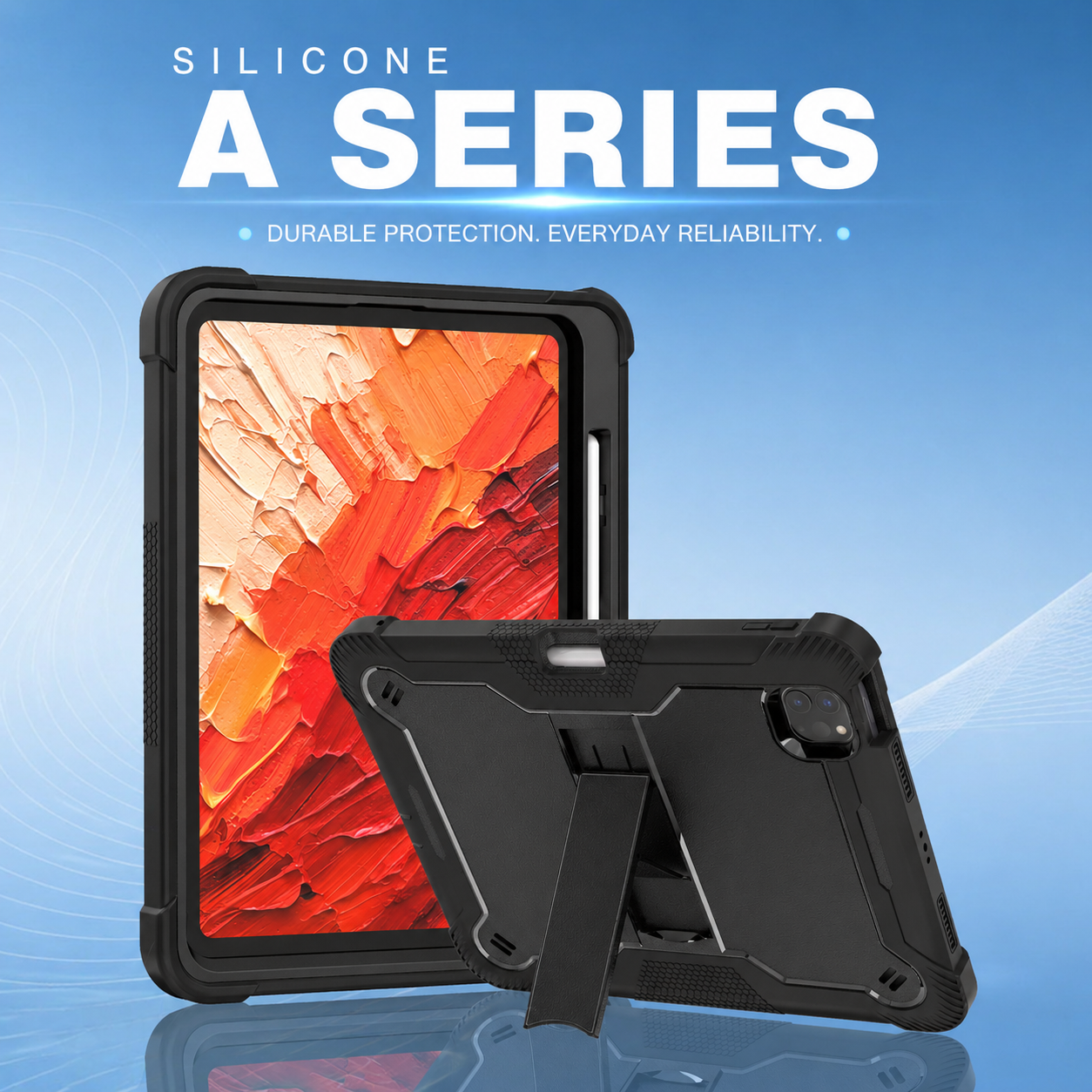
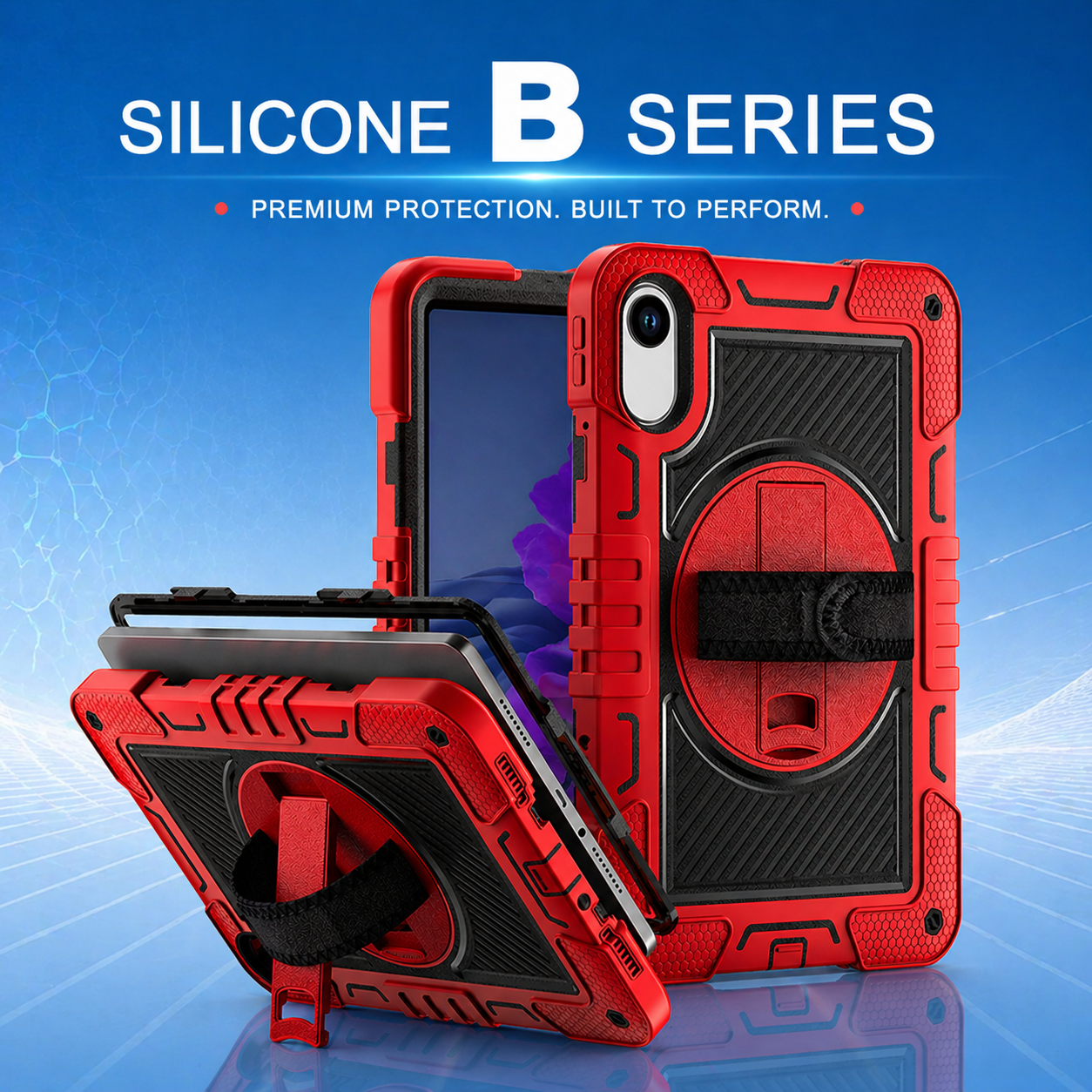

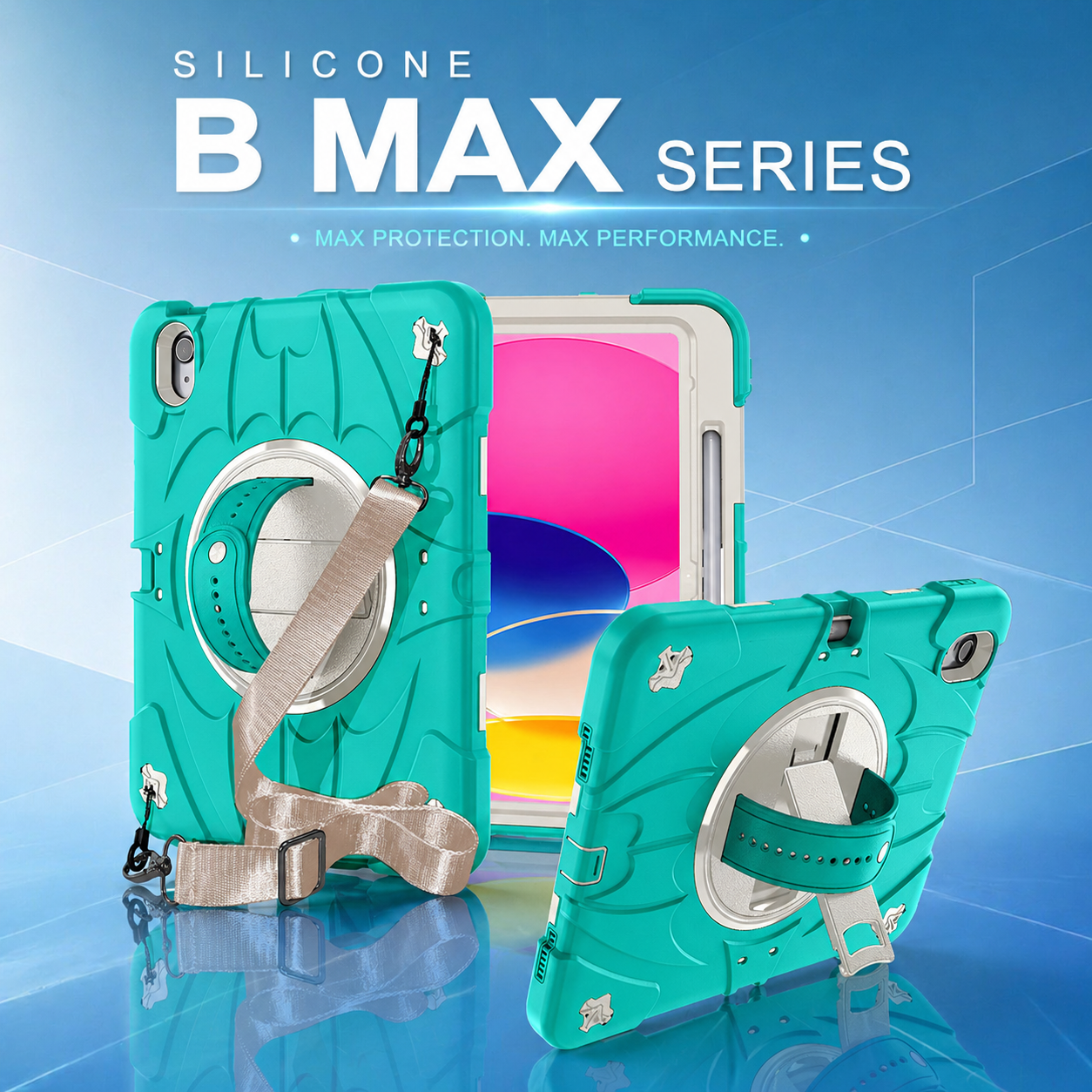
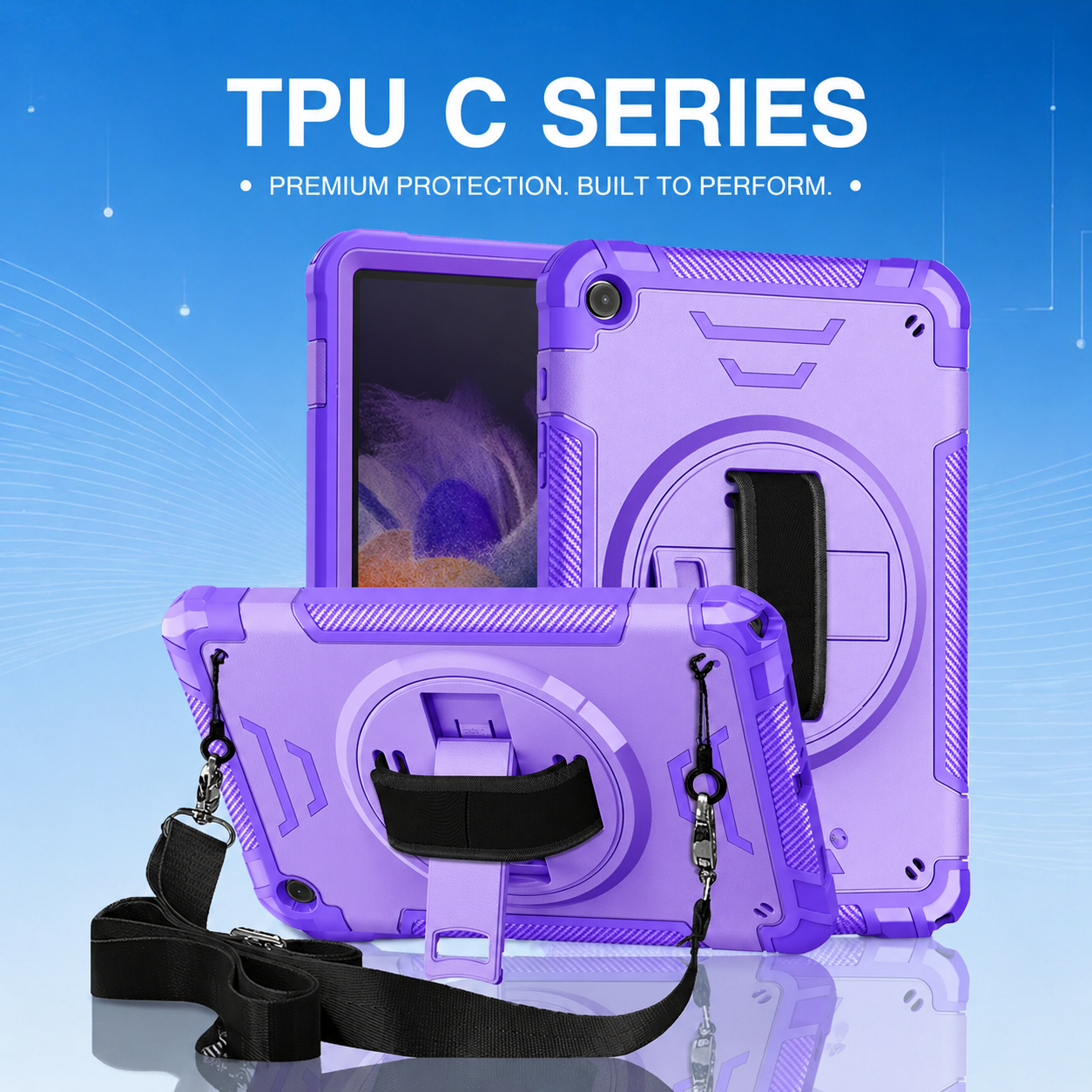

Designing Rugged Tablet Cases for Enterprise Mobility Workflows
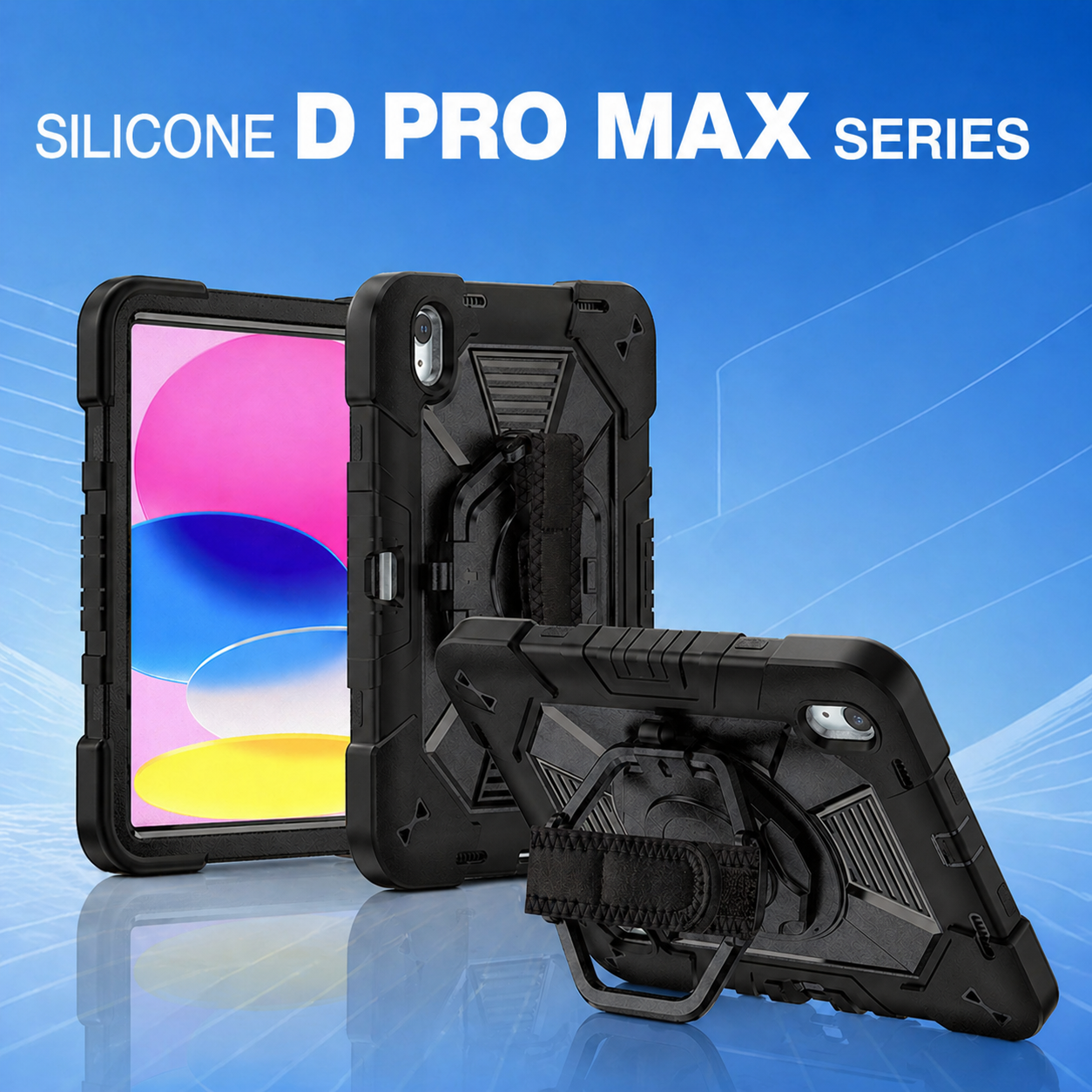
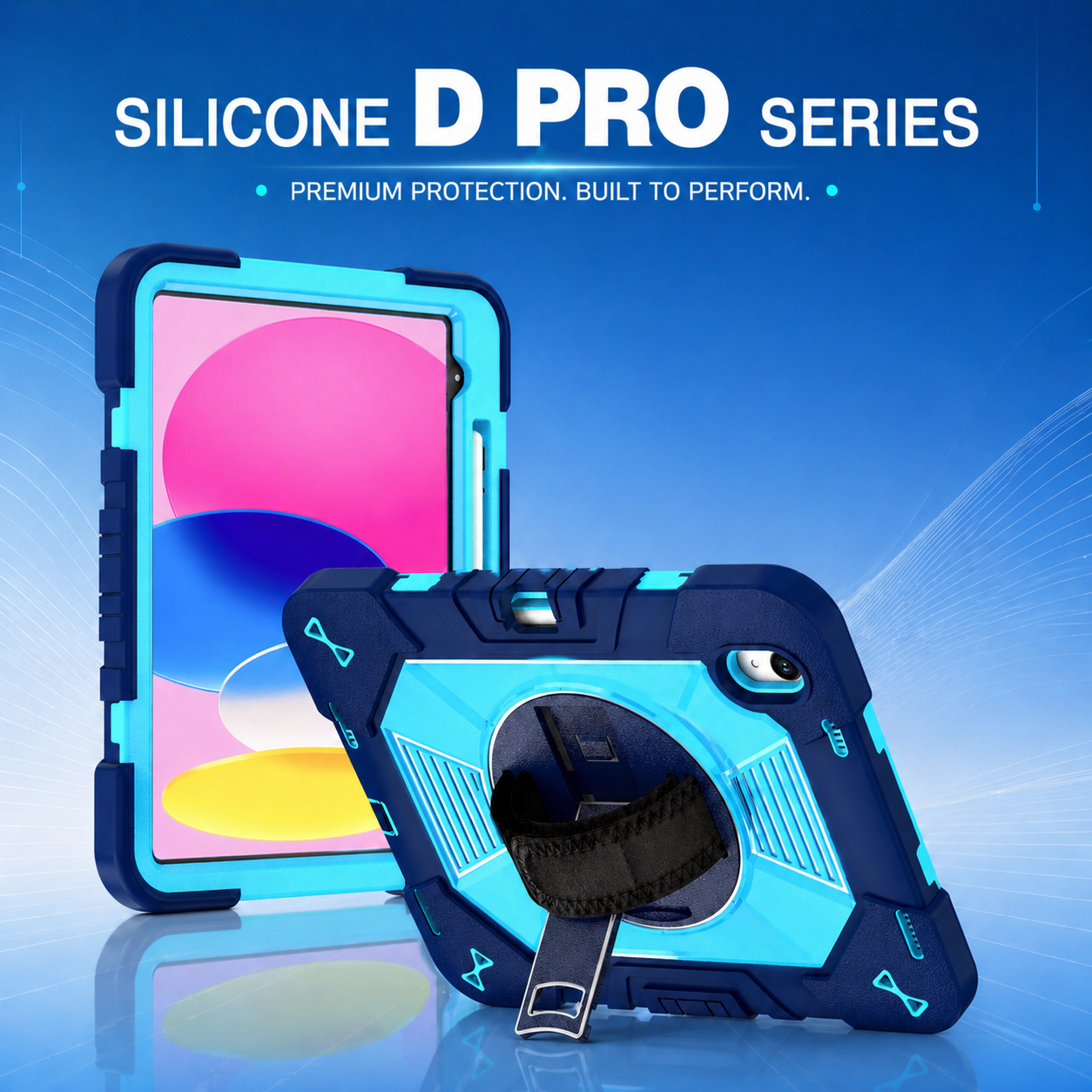
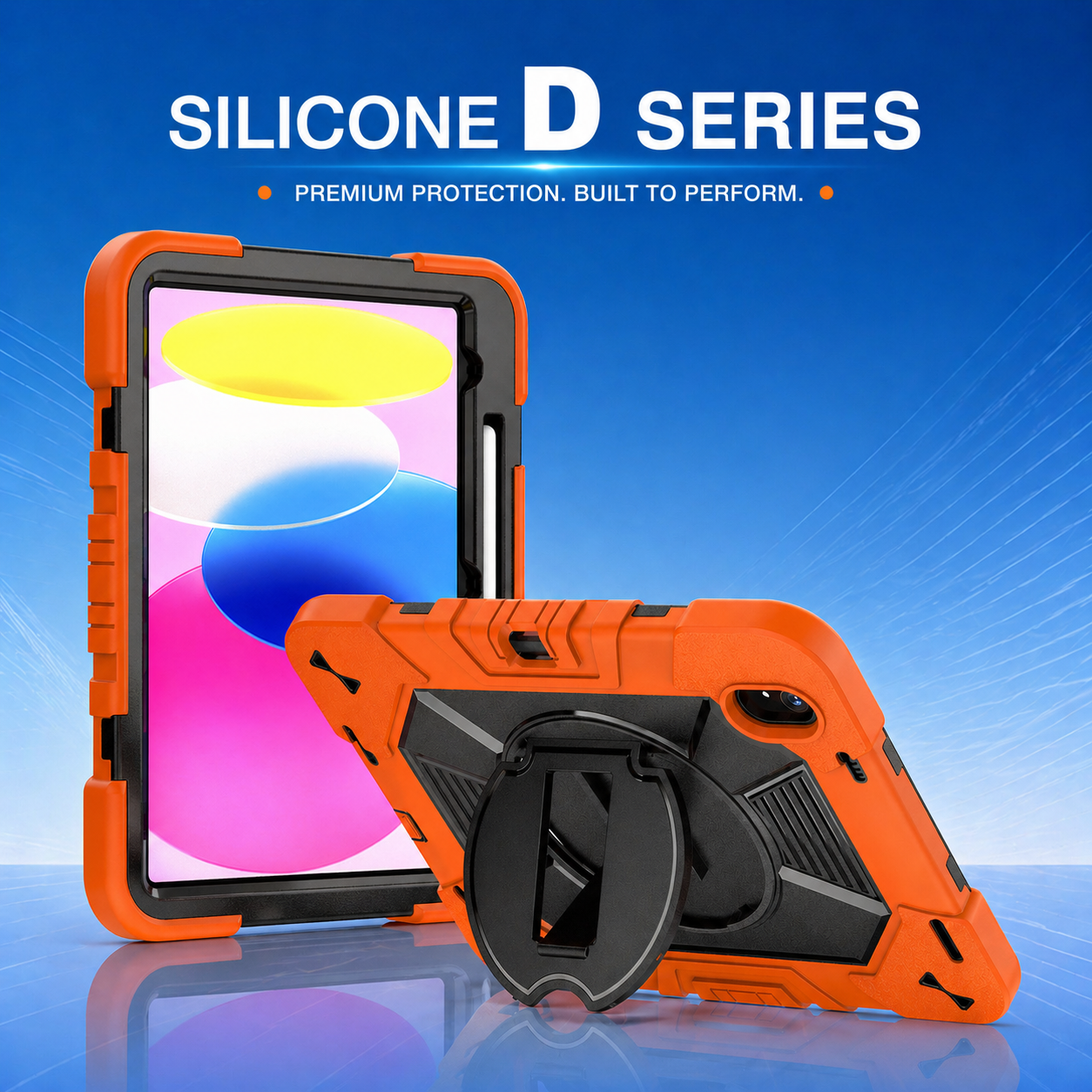
Enterprise tablet protection should be designed around work, not around the device alone. A warehouse picker, home healthcare professional, field technician, and retail associate may use the same tablet model in completely different ways. The case must therefore protect the hardware while improving carrying, viewing, scanning, charging, and handoff. This workflow-first approach turns an accessory into part of the operating system for a mobile team.
1. Map the User Journey Before Designing the Case
Observe how the tablet moves
Begin by documenting where the tablet is stored, who carries it, how often it changes hands, and which tasks are completed while standing, walking, driving, or wearing gloves. A #MobileWorkforce may move a device between a vehicle mount, shoulder strap, desktop stand, and charging station during one shift. Each transition creates a possible failure point that should be addressed in the product requirements.
Identify high-frequency actions
Buttons, cameras, barcode scanners, styluses, and charging ports must remain easy to reach. If users repeatedly rotate the screen, a fixed-angle stand may slow them down. If they type while standing, a secure hand strap may matter more than a thick rear shell. Design priorities should reflect the actions performed hundreds of times, not occasional edge cases alone.
2. Integrate Carrying and Viewing Features
Hand straps and shoulder straps
A rotating hand strap can reduce drop risk while allowing portrait and landscape use. The attachment should spread force across the case instead of concentrating it on a small plastic tab. Shoulder straps are useful for technicians and clinicians who need both hands free, but anchor points must be positioned to prevent the screen from swinging into tools, carts, or doorways.
Kickstands and stable work angles
A kickstand should support the expected touch pressure and work surface. Warehouse teams may need a fast-open stand for scanning stations, while sales staff may want a cleaner presentation angle. Multiple angles improve flexibility, but every hinge and locking point must be tested for repeated cycles. The best mechanism is simple, durable, and easy to operate with one hand.
3. Plan for Mounting, Charging, and Peripheral Access
Mounting interfaces
Vehicle, wall, cart, and desktop mounting requirements should be identified early. Adding a mount after tooling is complete can obstruct a camera, increase thickness, or weaken the rear structure. A well-planned #IndustrialTabletSolution may include standard mounting patterns, removable adapters, or a flat reinforced zone that supports multiple accessories without redesigning the entire case.
Charging and connectivity
Enterprises may use USB-C cables, pogo-pin docks, smart connectors, or charging cabinets. Case geometry must allow reliable insertion and removal without forcing users to bend cables. Audio ports, payment readers, RFID attachments, and external keyboards also require clearance. The manufacturer should test with the actual approved peripherals whenever possible.
4. Support Shared Devices and Operational Control
Asset identification
Shared fleets benefit from visible labels, molded asset-number areas, barcode windows, and color coding. These features make it easier to assign devices by team, location, or shift. Custom packaging can also simplify deployment by bundling the correct strap, stand, instructions, and spare parts with each tablet model.
Cleaning and maintenance
Cases should be easy to inspect and clean without unnecessary seams that trap dirt. Replaceable straps or stand modules may extend the service life of the product. Maintenance teams need clear instructions for removal, approved cleaning methods, and spare-part replacement. These operational details are central to successful #EnterpriseMobility programs.
5. Validate the Design with Real Users
Pilot deployment
Laboratory drop tests are important, but they cannot fully predict user behavior. A small pilot reveals whether workers can reach buttons, whether straps fit different hand sizes, whether the stand remains stable, and whether the case works with existing carts and chargers. Feedback should be gathered from front-line users, supervisors, IT teams, and repair personnel.
Measure outcomes
Useful metrics include device damage rate, accessory failure, support tickets, task completion time, user acceptance, and replacement frequency. Comparing these results before and after deployment helps buyers justify design changes and future orders. It also gives the OEM manufacturer evidence for improving the next model.
Turning Workflow Requirements into Industry Solutions
A rugged case succeeds when protection and productivity reinforce each other. Workflow mapping, accessory integration, peripheral testing, and pilot feedback create a product that employees will actually use. The next article examines how these principles change across education, healthcare, logistics, and field service. See how a kids education tablet case and other industry-specific designs translate user needs into practical features.






.png)
+86 13422271740
.png)
info@tongmeitech.com
.png)
No. 34, Mashe Section, Guihe Road, Lishui Town, Foshan, Guangdong, China