- 1
- BLACKL
- TABLETAPPLE iPad Mini 8NEW iPad A16(2025) iPad 10.9" 10th (2022) iPad 10.2" (7th/8th/9th) iPad Air 13" (M2/M3/M4)(2024/2025/2026)NEW iPad Air 11" (M2/M3/M4)(2024/2025/2026)NEW iPad Mini 8.3" (A7 Pro/6th Gen) iPad Pro13"(M4/M5)(2024/2025) iPad Pro11"(M4/M5)(2026) iPad 9.7" (5th/6th Gen) iPad Pro 12.9"(2018-2022) iPad Pro 11"(2018-2022) iPad 9.7"(2th/3th/4th) iPad Air 10.9"(4th/5th Gen) iPad Mini 7.9"(4th/5th Gen)SAMSUNG Galaxy Tab A11 Galaxy Tab A11 Plus Galaxy Tab S11 Galaxy Tab S12 PlusNEW Galaxy Tab S12 UltraNEW Galaxy Tab A9+ Galaxy Tab A9 Galaxy Tab A8 Galaxy Tab A7 Galaxy Tab A7 Lite Galaxy Tab S11 Ultra/S10 Ultra/S9 Ultra/S8 Ultra Galaxy Tab S10+/S9+/S9 FE+ Galaxy Tab S10Lite/S10 FE/S9 FE/S9 Galaxy Tab S8+/S7+/S7 FE Galaxy Tab S8/S7 Galaxy Tab S6 lite Galaxy Tab A10.1 Galaxy Tab A8.4 Galaxy Tab A8.0 Galaxy Tab S10 FE+LENOVO iDea tab 11/Tab K11 Gen 2 /Xiaoxin Pad 11 2025 Lenovo Tab K9 (Tab One) 2025 Lenovo Tab M10 10.1"(2025) Lenovo Tab M10 Plus 10.6" (3rd Gen) Lenovo Tab M10 HD 10.1" (3rd Gen) Lenovo K10/M10 Plus 10.3" (2nd Gen) Lenovo Tab M10 HD 10.1" (2nd Gen)XIAOMI Redmi Pad 2 9.7 InchNEW Xiaomi Pad8/8Pro 11.2" Redmi Pad2/Pad2.4G Xiaomi Pad 6/6 Pro 11" Redmi Pad 10.61" Redmi Pad Se 11" Redmi pad Se 4G 8.7" Xiaomi Pad7/7 Pro 11.2" Redmi Pad Pro/Xiaomi Poco Pad/Redmi Pad2 Pro 12.1HUAWEI Huawei Matepad Se 10.4" Huawei Matepad 11" Huawei Matepad 11.5" Huawei Matepad SE 11" Huawei Matepad T8 8" Huawei Matepad T10 9.7"
- CATEGORIES
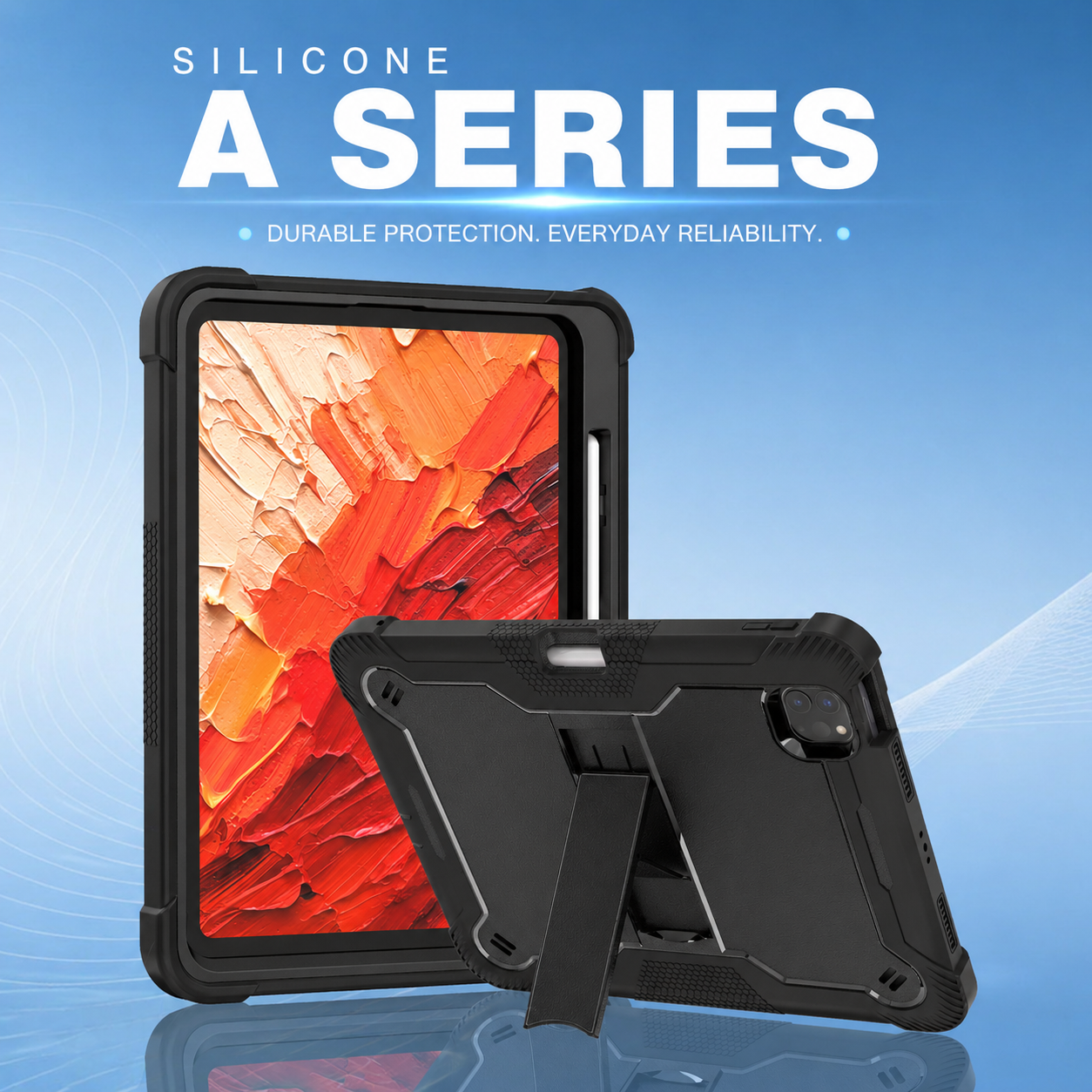



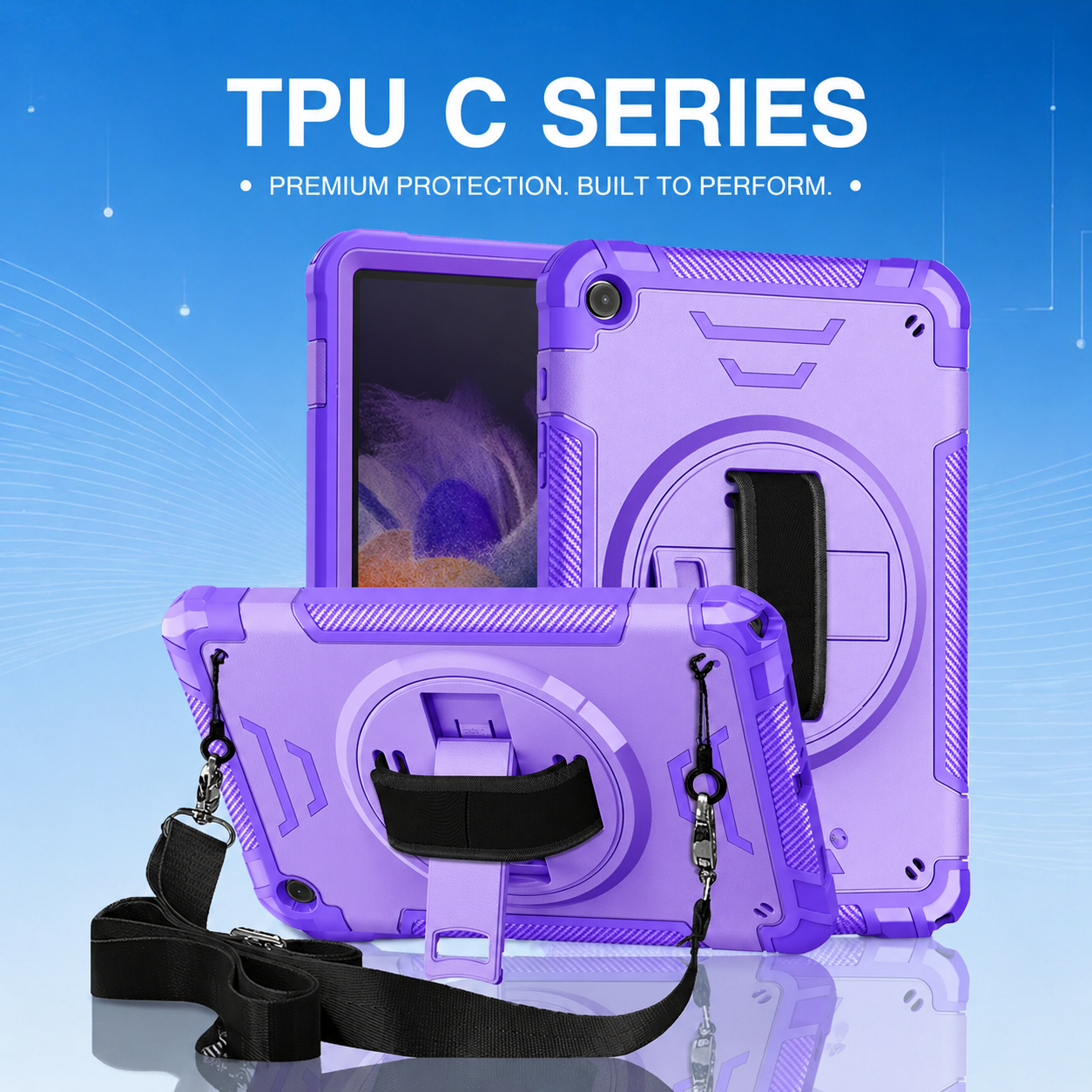
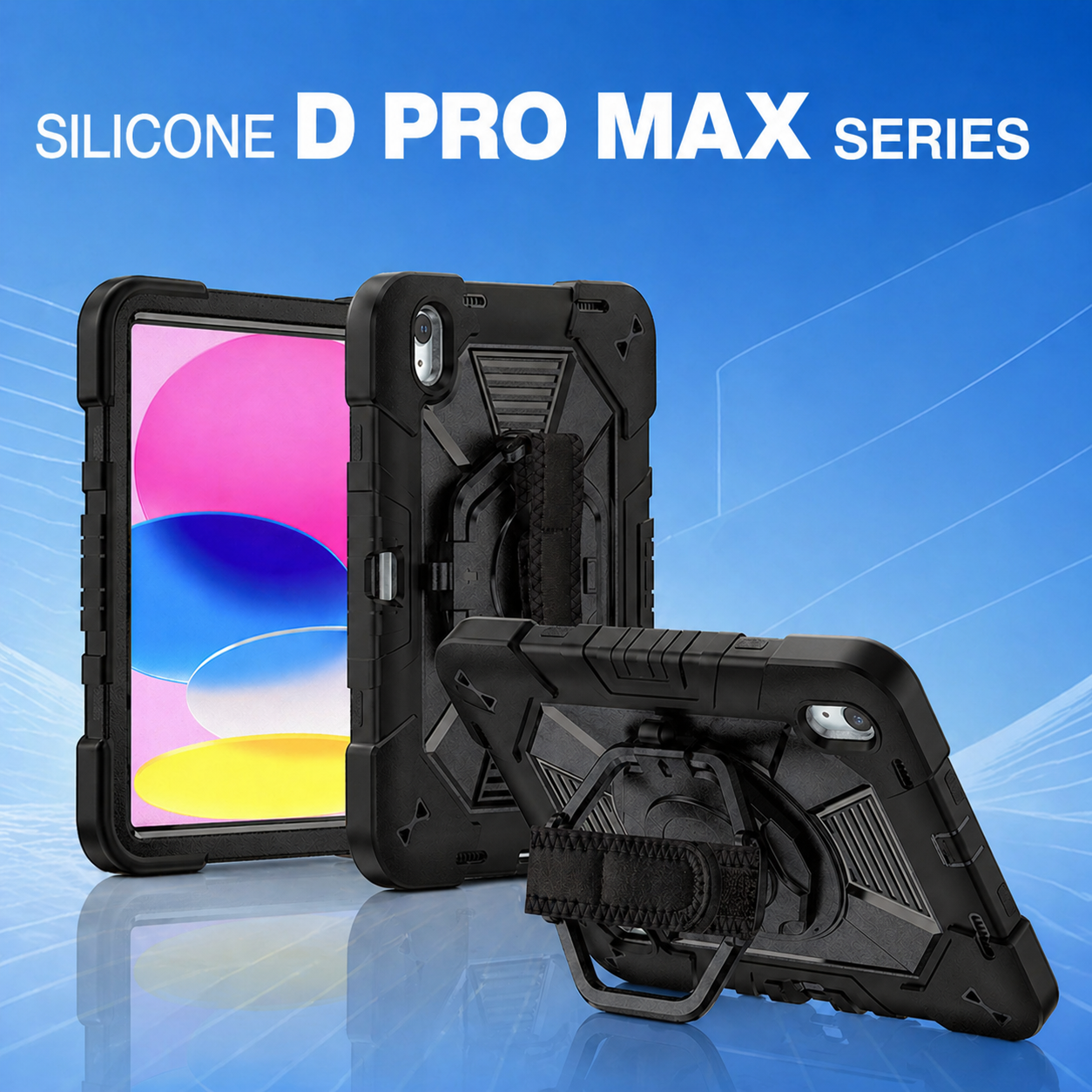
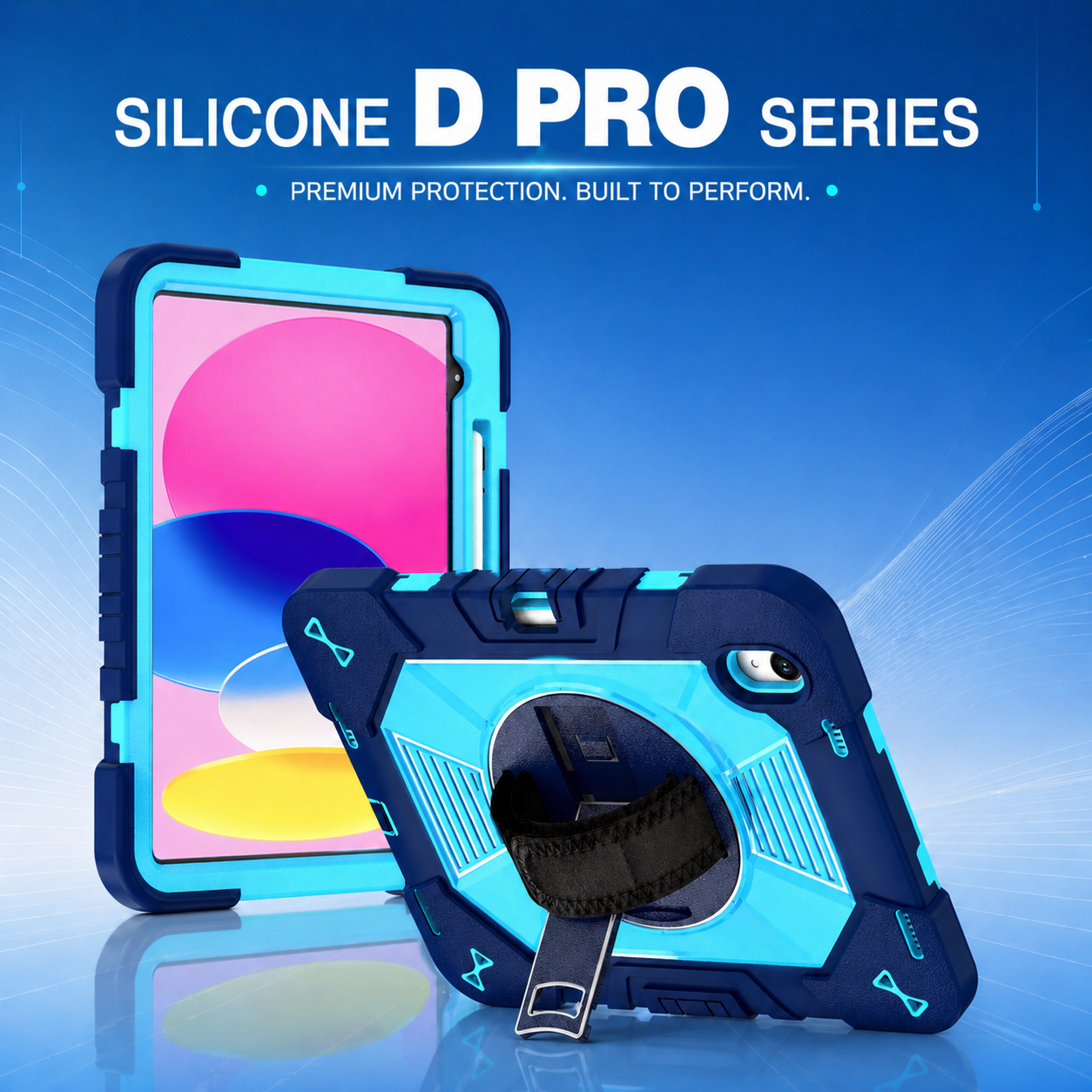
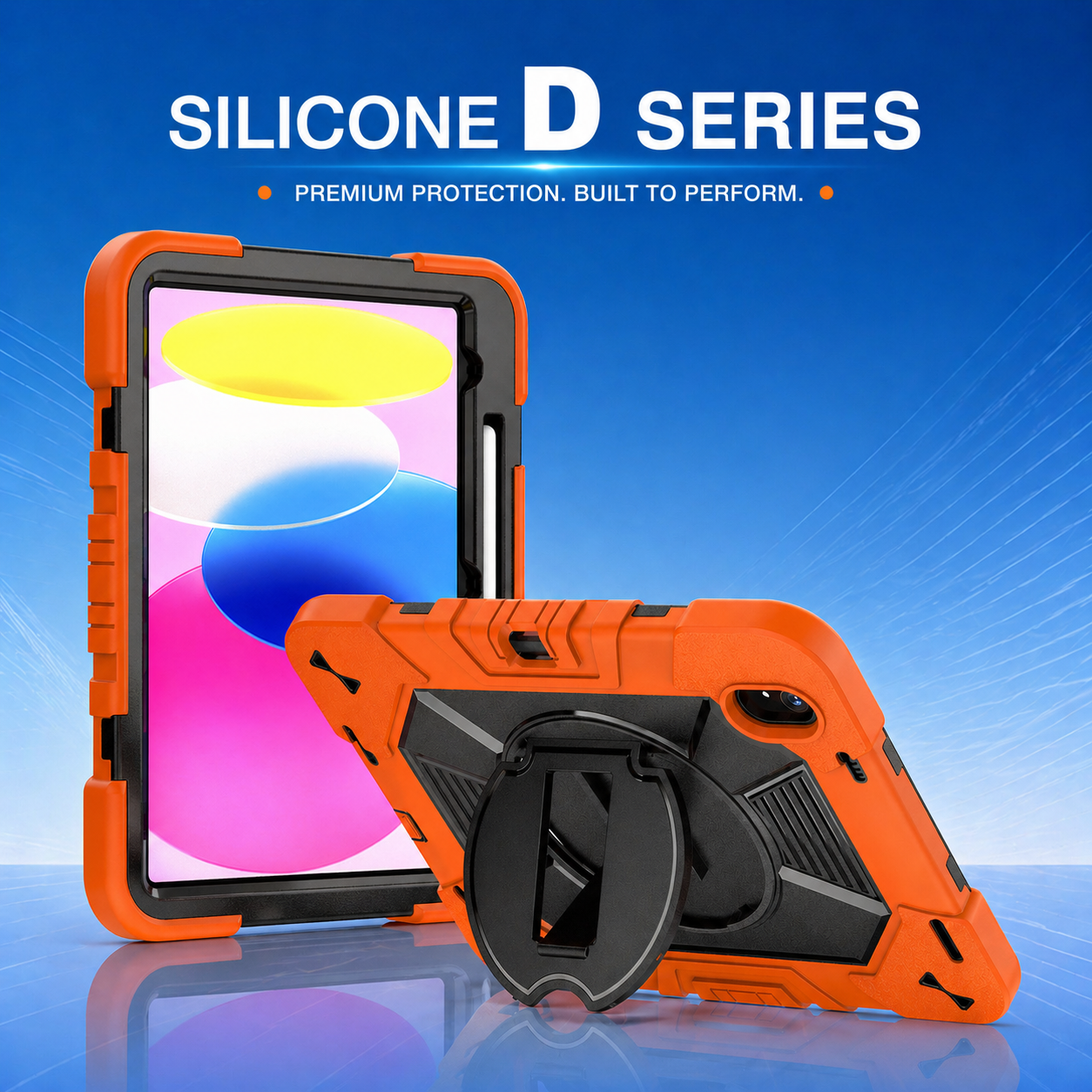

Improving Field Ergonomics with Multi-Angle Tablet Kickstands
Rugged protection is often discussed in terms of drops, shocks, and damaged screens, but positioning is just as important to field productivity. Employees may use a tablet to enter inspection data, watch a repair procedure, join a video call, compare drawings, scan inventory, or collect a customer signature. If the device cannot be placed at a stable and comfortable angle, the user must hold it with one hand, bend toward the screen, or repeatedly reposition it. Those small inefficiencies increase fatigue and slow down every task.
Why Viewing Angle Changes the Workflow
Different jobs require different screen positions. A low angle may be best for typing on a workbench. A more upright angle supports video communication and reference viewing. Portrait orientation may suit forms and checklists, while landscape orientation works well for diagrams and dashboards. A multi angle kickstand tablet case gives employees the flexibility to adapt the device to the task instead of adapting their posture to a fixed stand.
This flexibility is especially useful in field service, warehousing, healthcare, education, logistics, and manufacturing. A technician can place the tablet beside equipment while following a maintenance sequence. A warehouse supervisor can review performance data without holding the device. A clinician can position the screen for shared viewing. A trainer can display visual instructions to a small group. In each case, stable positioning supports faster interaction and reduces handling risk.
Design Requirements for a Reliable Kickstand
A kickstand should remain stable under touchscreen pressure. If the hinge collapses or the base slides, the user loses time and may drop the tablet. The stand mechanism needs sufficient resistance, durable pivot points, and a broad contact area. It should also fold securely into the case so that it does not catch on clothing, bags, vehicle interiors, or warehouse equipment.
Material selection affects both durability and comfort. A TPU tablet case can add grip around the outer surface and reduce movement on smooth tables. Rigid components can support the kickstand and distribute load. Reinforced attachment points help prevent the stand from separating after repeated use. Designers must balance these functions with weight, because an overly heavy accessory can create fatigue during a full shift.
Combining the Stand with Protective Layers
The stand should not weaken the protective shell. Openings, hinges, and rotating mechanisms can create stress points if they are not integrated into the structural design. A PC+Silicone tablet case can provide a rigid support frame with an elastic outer layer, but the interface between materials must remain secure around the kickstand assembly. The case should continue to protect the tablet when the stand is open, closed, or exposed to impact.
Raised edges, reinforced corners, and internal cushioning should remain continuous around the device. Camera openings need to stay unobstructed at common viewing angles. Charging ports and speakers should be accessible while the tablet is standing. The design should also prevent the kickstand from pressing against the tablet housing or creating a concentrated impact path.
Support for Rotation and Hands-Free Tasks
Many field workflows require frequent switching between portrait and landscape views. A rotating stand or hand-strap assembly can simplify that transition, but it must lock firmly enough to avoid unwanted movement. The rotation mechanism should withstand repeated cycles and remain easy to operate with gloves. It should not create excessive thickness at the center of the case or make the tablet unstable when placed flat.
Hands-free positioning is particularly valuable during remote support. A field technician can aim the camera at equipment while receiving guidance from an expert. A quality inspector can reference standards while recording observations. A delivery employee can present a screen for confirmation without passing the tablet back and forth. These use cases show that the kickstand is not merely a convenience feature; it can become part of the operating process.
How to Test Kickstand Performance
Buyers should evaluate samples on the surfaces employees actually use, including desks, carts, vehicle consoles, shelves, and temporary work areas. Test every supported angle in portrait and landscape orientation. Apply normal touchscreen pressure and observe whether the stand slips, folds, or twists. Repeat opening, closing, and rotation cycles to identify wear. Check whether dust or debris affects the mechanism and whether the case can be cleaned without damaging the hinge.
Employee pilots are useful because comfort depends on hand size, task duration, screen content, and work posture. Ask users whether the viewing angles are practical, whether controls remain accessible, and whether the stand creates any snag points while carrying the device. Their feedback can be translated into engineering changes before mass production.
Connecting Ergonomics with Custom Manufacturing
For enterprise deployments, kickstand angle, rotation resistance, strap placement, color, logo, packaging, and mounting compatibility can all be customized. OEM and ODM development allows the case to match a specific tablet model and operating environment. Approved drawings, prototypes, functional tests, and pilot production reduce the risk of receiving a design that looks correct but performs poorly in daily use.
Once ergonomic requirements are defined, the final step is building a repeatable sourcing and production program. Organizations should connect field feedback, engineering specifications, quality inspection, and lifecycle support through an OEM and ODM rugged tablet case manufacturing plan.
SEO Keywords
#EnterpriseMobility, #MobileWorkforce, #SmartWorkplace, #HardwareInnovation, #BusinessTechnology, multi angle kickstand tablet case, TPU tablet case, PC+Silicone tablet case.






.png)
+86 13422271740
.png)
info@tongmeitech.com
.png)
No. 34, Mashe Section, Guihe Road, Lishui Town, Foshan, Guangdong, China