- 1
- BLACKL
- TABLETAPPLE iPad Mini 8NEW iPad A16(2025) iPad 10.9" 10th (2022) iPad 10.2" (7th/8th/9th) iPad Air 13" (M2/M3/M4)(2024/2025/2026)NEW iPad Air 11" (M2/M3/M4)(2024/2025/2026)NEW iPad Mini 8.3" (A7 Pro/6th Gen) iPad Pro13"(M4/M5)(2024/2025) iPad Pro11"(M4/M5)(2026) iPad 9.7" (5th/6th Gen) iPad Pro 12.9"(2018-2022) iPad Pro 11"(2018-2022) iPad 9.7"(2th/3th/4th) iPad Air 10.9"(4th/5th Gen) iPad Mini 7.9"(4th/5th Gen)SAMSUNG Galaxy Tab A11 Galaxy Tab A11 Plus Galaxy Tab S11 Galaxy Tab S12 PlusNEW Galaxy Tab S12 UltraNEW Galaxy Tab A9+ Galaxy Tab A9 Galaxy Tab A8 Galaxy Tab A7 Galaxy Tab A7 Lite Galaxy Tab S11 Ultra/S10 Ultra/S9 Ultra/S8 Ultra Galaxy Tab S10+/S9+/S9 FE+ Galaxy Tab S10Lite/S10 FE/S9 FE/S9 Galaxy Tab S8+/S7+/S7 FE Galaxy Tab S8/S7 Galaxy Tab S6 lite Galaxy Tab A10.1 Galaxy Tab A8.4 Galaxy Tab A8.0 Galaxy Tab S10 FE+LENOVO iDea tab 11/Tab K11 Gen 2 /Xiaoxin Pad 11 2025 Lenovo Tab K9 (Tab One) 2025 Lenovo Tab M10 10.1"(2025) Lenovo Tab M10 Plus 10.6" (3rd Gen) Lenovo Tab M10 HD 10.1" (3rd Gen) Lenovo K10/M10 Plus 10.3" (2nd Gen) Lenovo Tab M10 HD 10.1" (2nd Gen)XIAOMI Redmi Pad 2 9.7 InchNEW Xiaomi Pad8/8Pro 11.2" Redmi Pad2/Pad2.4G Xiaomi Pad 6/6 Pro 11" Redmi Pad 10.61" Redmi Pad Se 11" Redmi pad Se 4G 8.7" Xiaomi Pad7/7 Pro 11.2" Redmi Pad Pro/Xiaomi Poco Pad/Redmi Pad2 Pro 12.1HUAWEI Huawei Matepad Se 10.4" Huawei Matepad 11" Huawei Matepad 11.5" Huawei Matepad SE 11" Huawei Matepad T8 8" Huawei Matepad T10 9.7"
- CATEGORIES
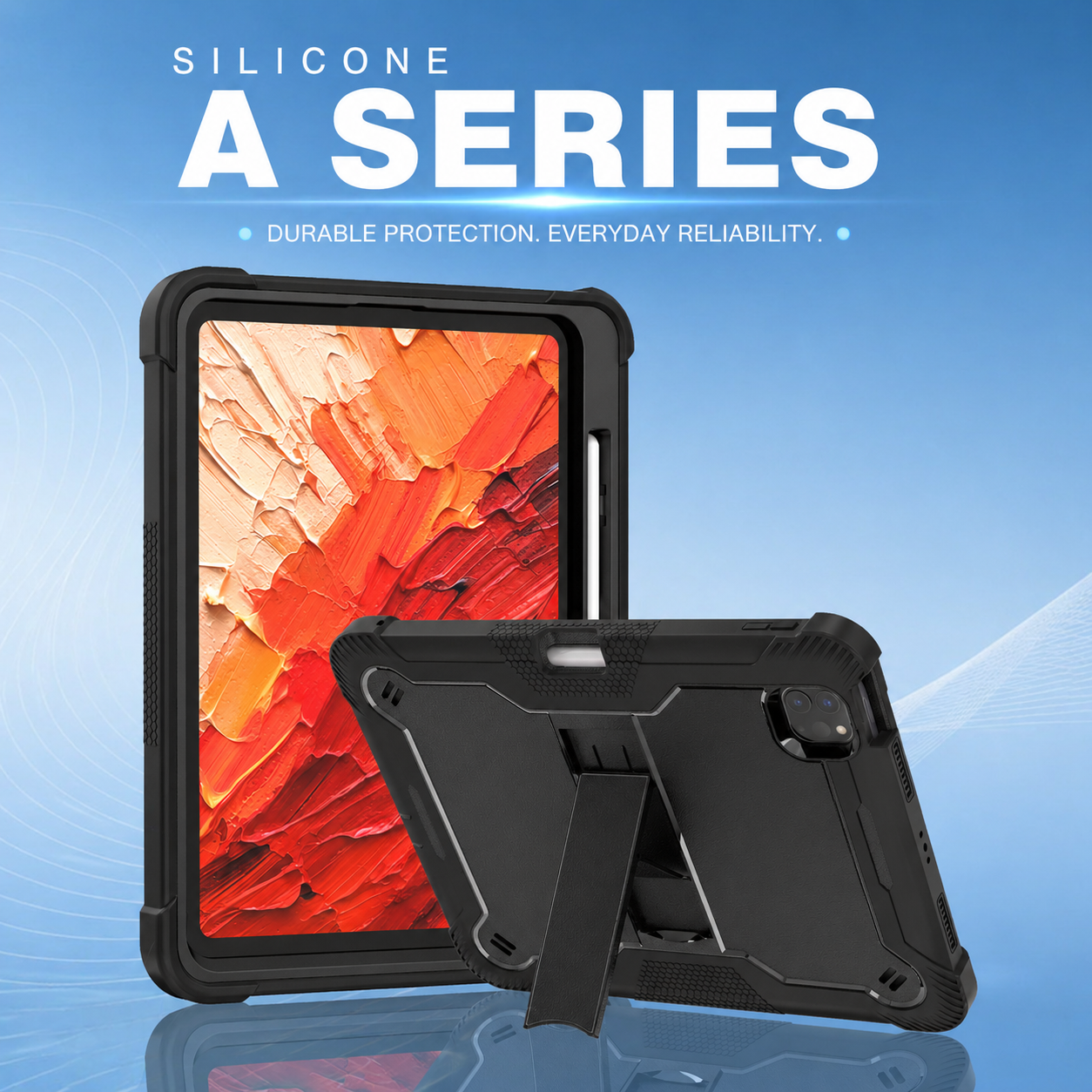
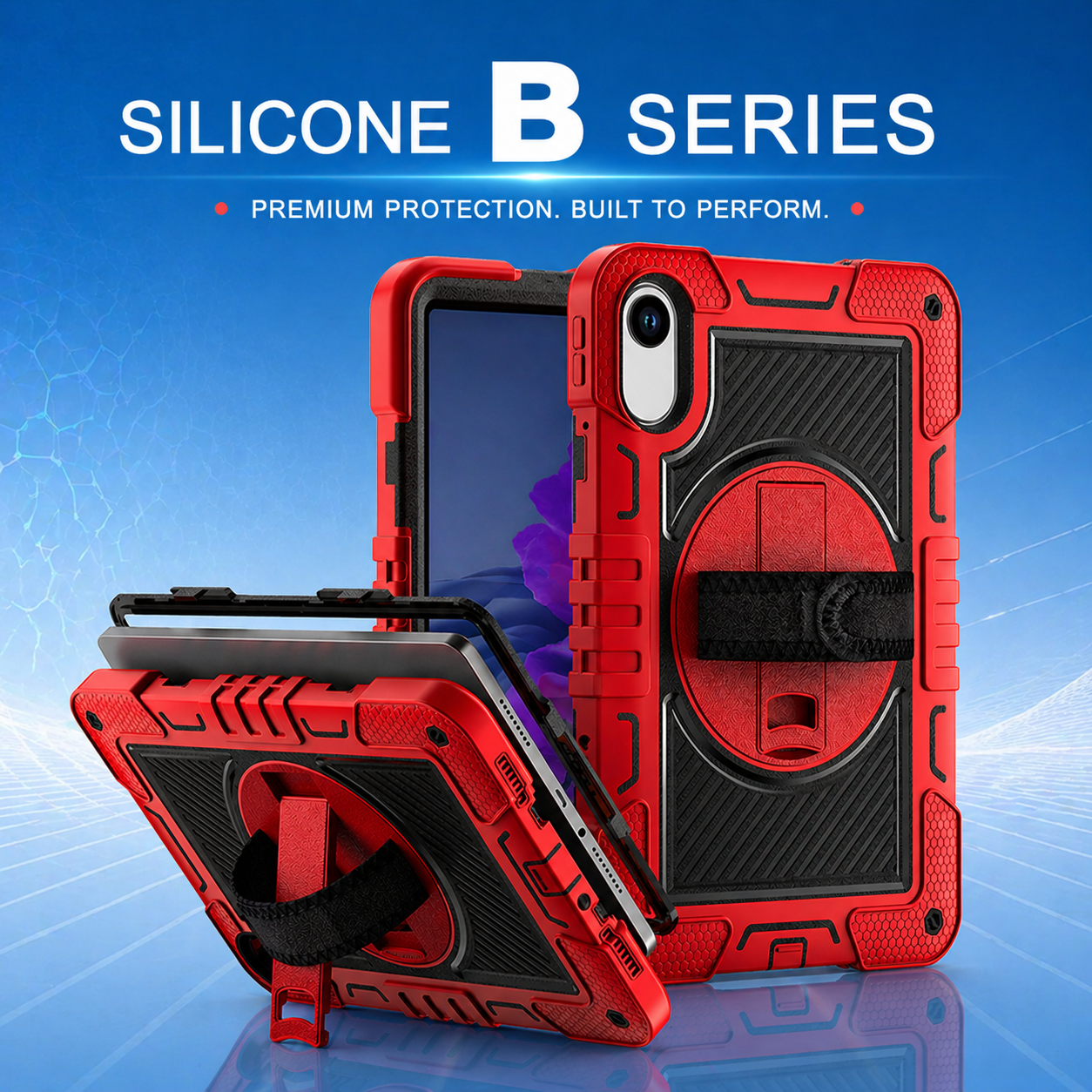
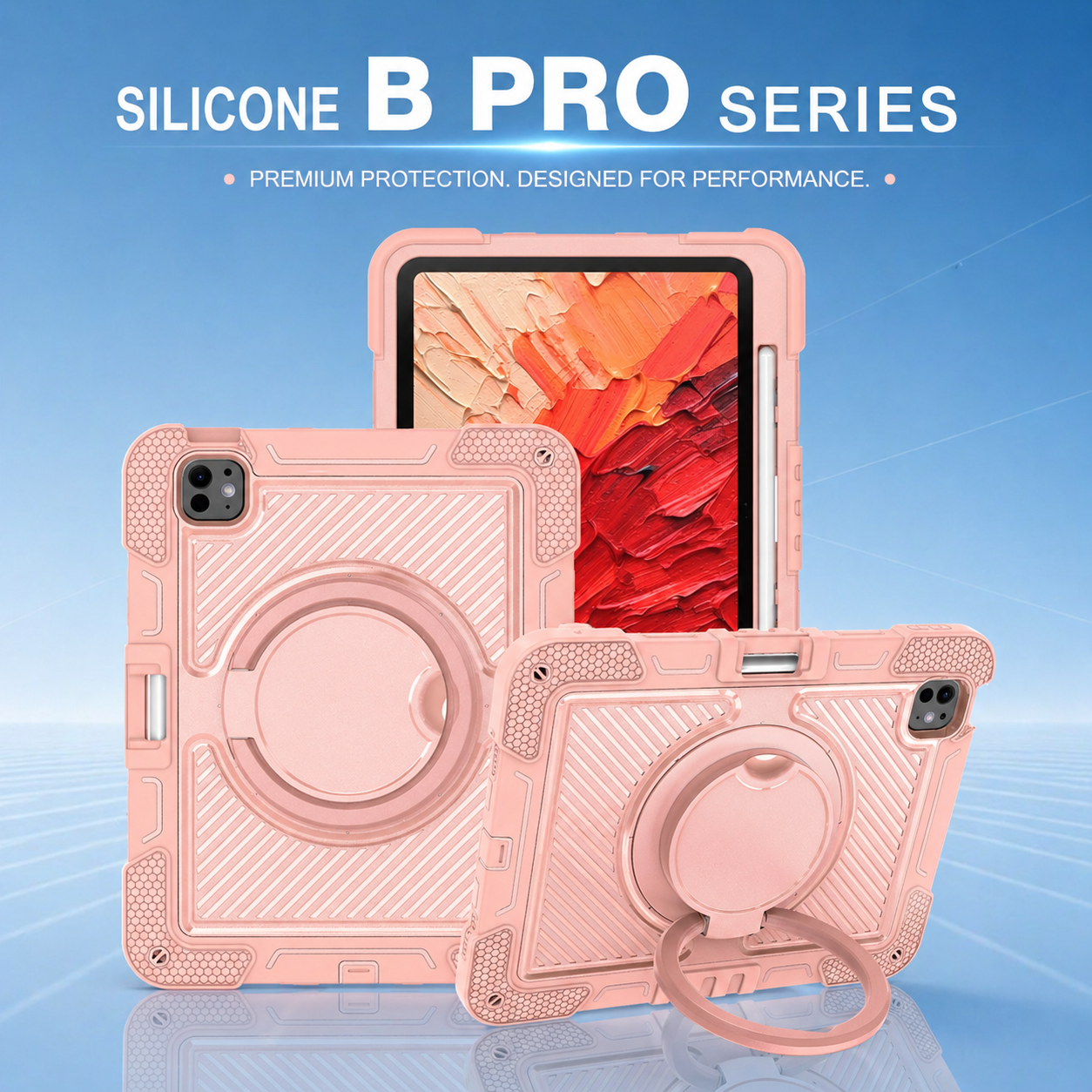
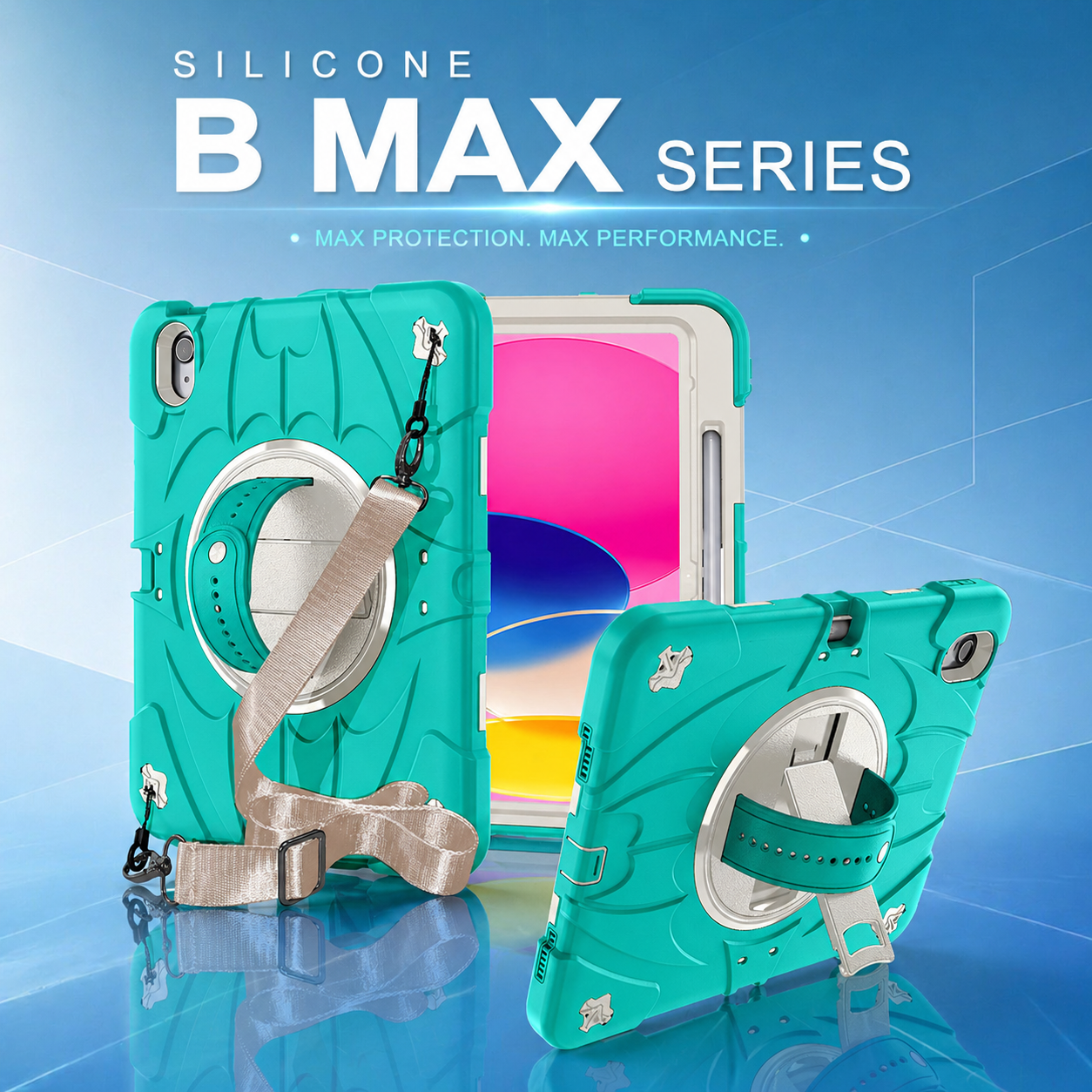

Why Custom Tablet Cases Actually Matter: A Buyer’s No-Nonsense Guide
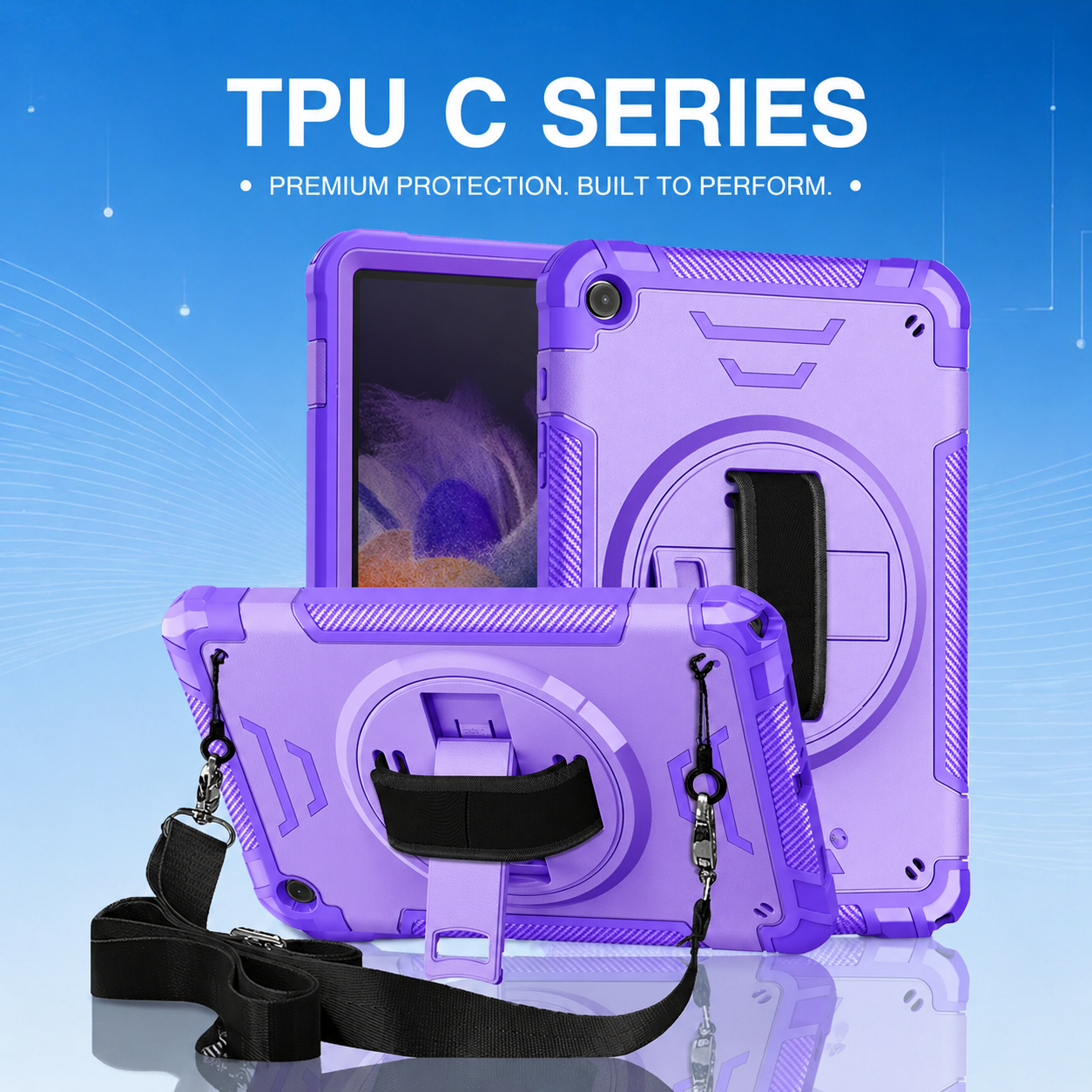
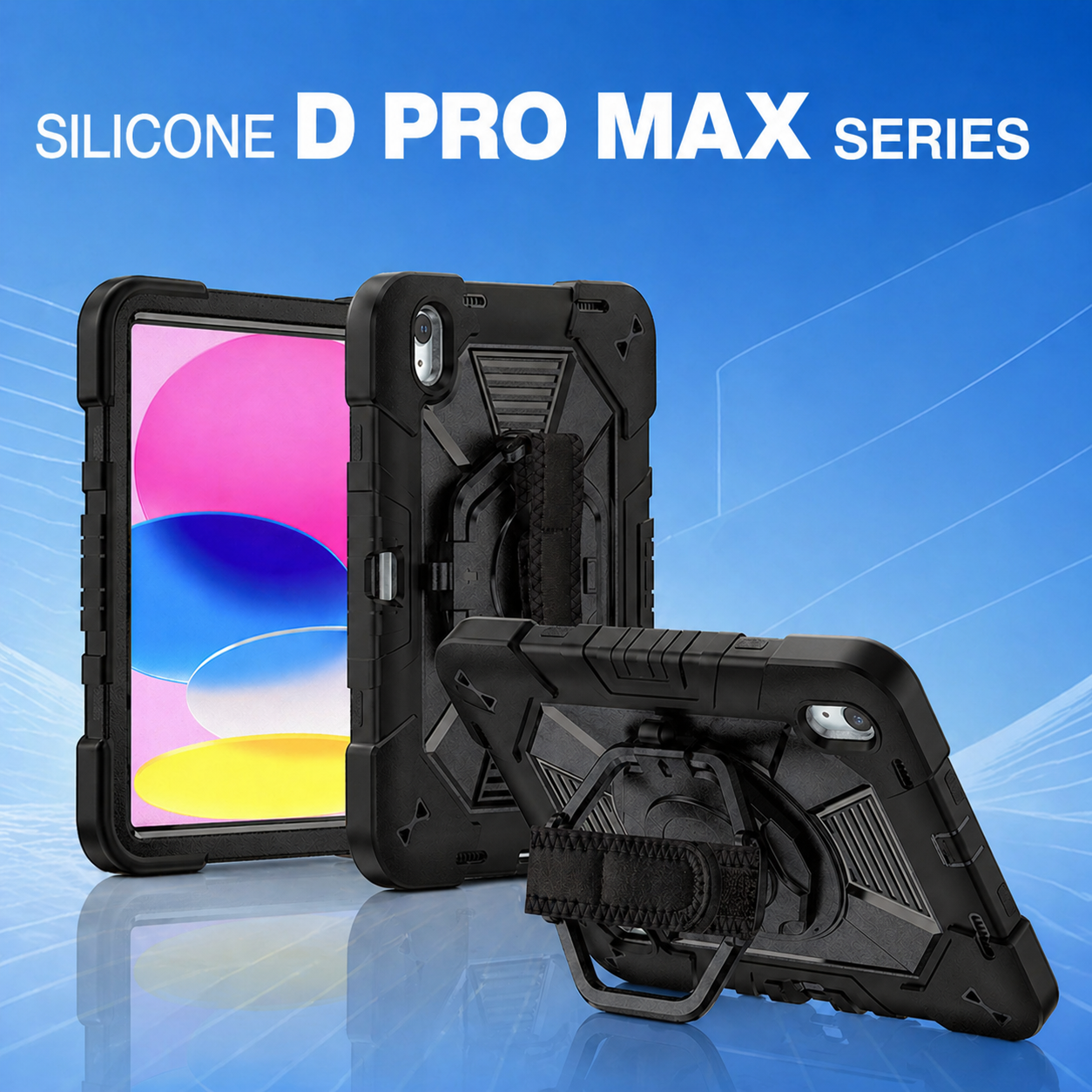
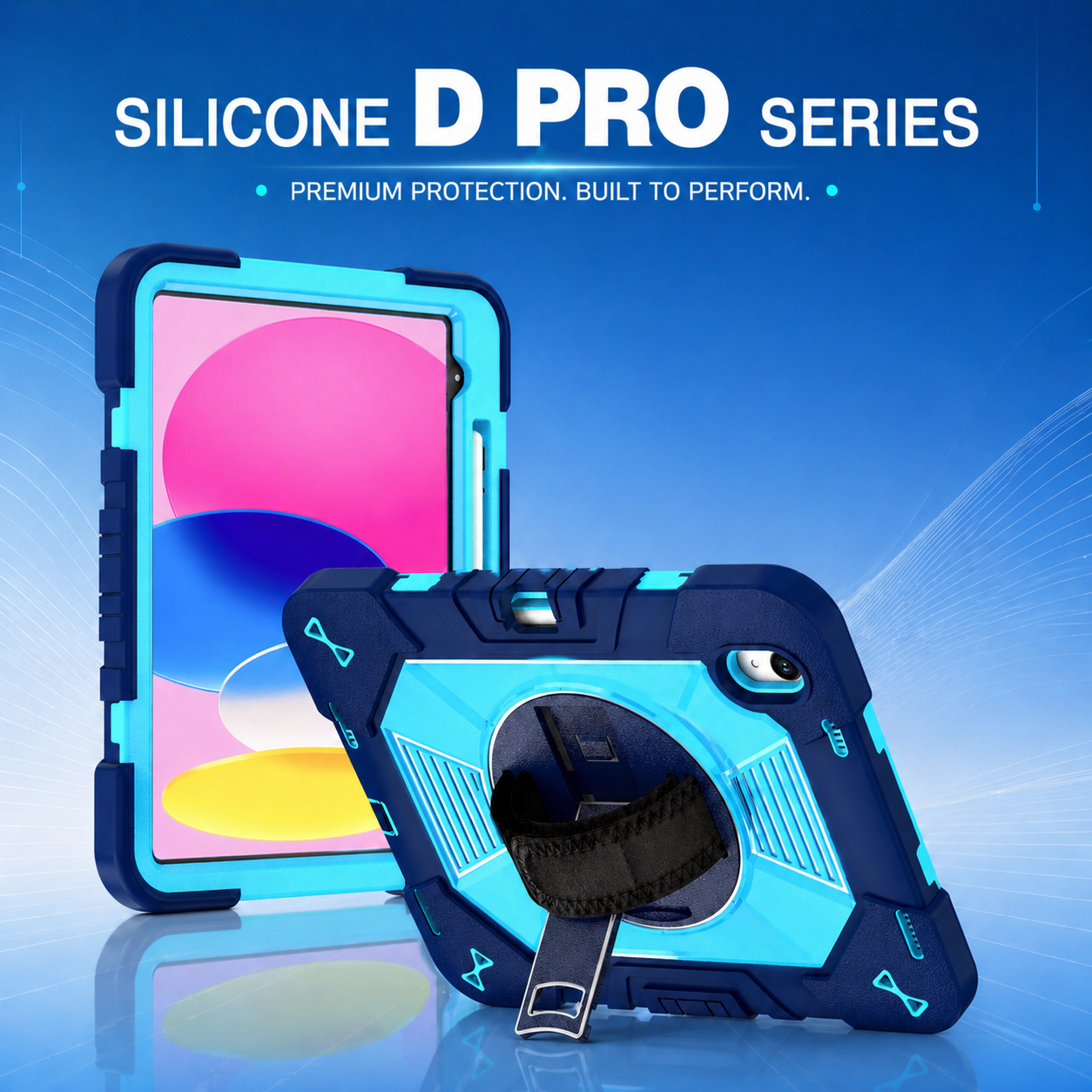
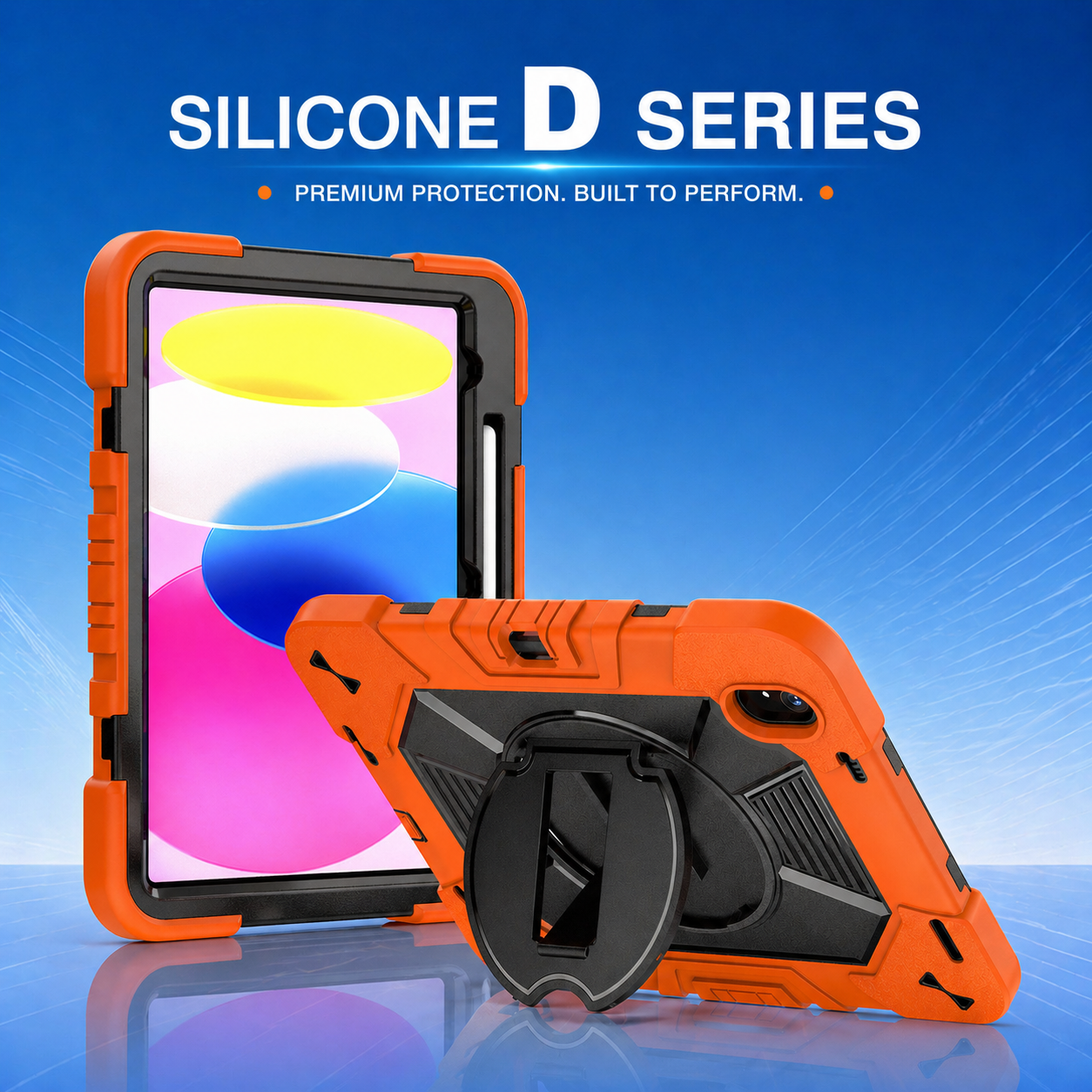
Most tablet protection fails for a boring reason: the case was chosen from a product photo instead of from the way the device is actually used. A custom tablet case should solve fit, handling, protection, and workflow problems at the same time. If it only adds bulk, it is not doing enough. The useful question is whether its structure, materials, stand, openings, and accessories match real use. That is where a well-specified rotating-stand design, a properly engineered two-layer protective design, or a practical impact-resistant cover can make a measurable difference.
Start With Fit and Real-World Use
Confirm the exact device before discussing protection
A case can be strong and still be useless if the camera opening, charging port, speakers, buttons, or pencil channel are slightly wrong. Before requesting samples, confirm the exact model and generation. Apple’s Identify your iPad model page is a simple example of why model verification matters. For mixed fleets, build a device list first.
Map the way the tablet is held, carried, and parked
A retail employee may need a one-hand grip and quick stand. A warehouse operator may need a shoulder strap. A classroom user may need a stable viewing angle and reinforced corners. A Rotating Kickstand Case is valuable when users switch frequently between portrait, landscape, carrying, and countertop use. An impact-resistant cover matters more when devices are passed between people or used while moving. In genuinely Rugged environments, the right design should support the workflow instead of forcing users to work around the case.
Protection Is a System, Not a Thickness Contest
Combine rigid structure with impact-absorbing zones
A good two-layer protective design uses different materials for different jobs. A rigid shell can stabilize the device and support a stand, while a softer bumper can absorb impact around the edges and corners. For more detail on how materials affect field protection, see tablet case materials for logistics protection. A Rotating Kickstand Case should also keep the stand mechanism anchored to a structure that will not flex excessively during repeated use.
Look at corner geometry, screen clearance, and retention
The most important protective details are often small: raised screen edges, reinforced corners, controlled flex around buttons, enough retention to prevent the tablet popping out, and clearance around cameras and connectors. An impact-resistant cover should be judged as a complete assembly, not by a material label. The same is true for a two-layer protective design. Rugged performance comes from geometry, material, and fit.
Function Should Earn Its Place
A stand needs stability, useful angles, and repeatable movement
Many stands look impressive in photos and become annoying after a week. A Rotating Kickstand Case should rotate smoothly without feeling loose, hold the tablet at useful working angles, and stay stable when the screen is tapped. For enterprise programs, evaluate the hinge or rotating assembly over repeated cycles rather than approving it after one demonstration.
Accessories should reduce handling friction
Hand straps, shoulder straps, pencil holders, and carry handles are only useful when they are placed where people can reach them naturally. A Rotating Kickstand Case paired with a hand strap can turn a tablet into a mobile workstation. A Dual Layer Protection Case can provide the structural base for stronger attachment points. A Shockproof Tablet Cover can add grip and cushioning without making the product difficult to clean. In a Rugged deployment, every accessory should have a reason to exist.
Customization Should Solve Procurement Problems Too
Branding, color, and labeling can improve fleet control
Customization is not just about putting a logo on the back. Colors and IDs can separate departments and support asset tracking. Buyers comparing suppliers can review this guide to case specification checklist. A Dual Layer Protection Case is especially useful when buyers want to customize the exterior shell while keeping a proven internal protective layer.
Demand a sample that reflects production, not a hand-built showpiece
The sample should use the intended materials, stand hardware, strap anchors, logo method, texture, and packaging assumptions. Test the Rotating Kickstand Case with the real tablet, charging cable, stylus, and any dock or cart used in the field. Test the Shockproof Tablet Cover after repeated installation and removal. Check whether a Dual Layer Protection Case separates, squeaks, or shifts under load.
How to Avoid a Case That “Sucks”
Use a practical approval checklist
Start with the device model, then confirm fit, port access, camera clearance, button feel, screen edge protection, grip, stand stability, strap strength, pencil retention, cleaning requirements, logo position, and packaging. A Rotating Kickstand Case should pass rotation and stability checks. A Dual Layer Protection Case should stay assembled under normal torsion. A Shockproof Tablet Cover should protect without blocking everyday functions.
Judge the total cost of ownership, not the unit price
A cheaper tablet case can become expensive when it causes replacements, broken stands, user complaints, rework, or inconsistent repeat orders. A Rotating Kickstand Case that improves hands-free use can save time every day. A Dual Layer Protection Case that protects corners and supports accessories can reduce avoidable damage. A Shockproof Tablet Cover that fits correctly can preserve usability while adding impact resistance. Case studies on drop-proof tablet deployments illustrate why protection should be treated as an operational choice, not a cosmetic purchase.
Final Takeaway
The best custom solution starts with the work, not the catalog. Verify the tablet, define the risks, choose a structure that protects the vulnerable zones, and insist that stands and straps function like real tools. A final Rotating Kickstand Case decision should be based on stability and workflow. The right Dual Layer Protection Case should balance rigidity and impact absorption. The right Shockproof Tablet Cover should protect without compromising access. Together, those choices make a Rugged case part of the device system.
For ergonomic context in workstation and touchscreen use, OSHA’s computer workstation evaluation checklist is a useful external reference.
Related Reading
Silicone + PC Rugged Tablet Case Production Technology Explained
Why Two-Shot Overmolding Improves Rugged Tablet Case Durability
Injection Molding Quality Control for Custom Rugged Tablet Cases
40 Related Product, Service & Customer Terms
rugged tablet case; rotating stand; hybrid armor; drop protection; industrial case; enterprise cover; field case; warehouse case; school case; healthcare case; retail case; construction case; hand strap; shoulder strap; pencil holder; multi-angle stand; anti-slip grip; custom logo; OEM development; ODM design; mold engineering; injection molding; case prototyping; drop testing; color matching; private label; bulk manufacturing; B2B accessories; fleet protection; fit verification; custom packaging; case tooling; enterprise buyers; school IT; warehouse operators; field technicians; healthcare teams; retail teams; accessory distributors; procurement teams.
Keywords
rugged tablet case, rotating stand, hybrid armor, drop protection, industrial case, enterprise cover, field case, warehouse case, school case, healthcare case, retail case, construction case, hand strap, shoulder strap, pencil holder, multi-angle stand, anti-slip grip, custom logo, OEM development, ODM design, mold engineering, injection molding, case prototyping, drop testing, color matching, private label, bulk manufacturing, B2B accessories, fleet protection, fit verification, custom packaging, case tooling, enterprise buyers, school IT, warehouse operators, field technicians, healthcare teams, retail teams, accessory distributors, procurement teams.






.png)
+86 13422271740
.png)
info@tongmeitech.com
.png)
No. 34, Mashe Section, Guihe Road, Lishui Town, Foshan, Guangdong, China