- 1
- BLACKL
- TABLETAPPLE iPad Mini 8NEW iPad A16(2025) iPad 10.9" 10th (2022) iPad 10.2" (7th/8th/9th) iPad Air 13" (M2/M3/M4)(2024/2025/2026)NEW iPad Air 11" (M2/M3/M4)(2024/2025/2026)NEW iPad Mini 8.3" (A7 Pro/6th Gen) iPad Pro13"(M4/M5)(2024/2025) iPad Pro11"(M4/M5)(2026) iPad 9.7" (5th/6th Gen) iPad Pro 12.9"(2018-2022) iPad Pro 11"(2018-2022) iPad 9.7"(2th/3th/4th) iPad Air 10.9"(4th/5th Gen) iPad Mini 7.9"(4th/5th Gen)SAMSUNG Galaxy Tab A11 Galaxy Tab A11 Plus Galaxy Tab S11 Galaxy Tab S12 PlusNEW Galaxy Tab S12 UltraNEW Galaxy Tab A9+ Galaxy Tab A9 Galaxy Tab A8 Galaxy Tab A7 Galaxy Tab A7 Lite Galaxy Tab S11 Ultra/S10 Ultra/S9 Ultra/S8 Ultra Galaxy Tab S10+/S9+/S9 FE+ Galaxy Tab S10Lite/S10 FE/S9 FE/S9 Galaxy Tab S8+/S7+/S7 FE Galaxy Tab S8/S7 Galaxy Tab S6 lite Galaxy Tab A10.1 Galaxy Tab A8.4 Galaxy Tab A8.0 Galaxy Tab S10 FE+LENOVO iDea tab 11/Tab K11 Gen 2 /Xiaoxin Pad 11 2025 Lenovo Tab K9 (Tab One) 2025 Lenovo Tab M10 10.1"(2025) Lenovo Tab M10 Plus 10.6" (3rd Gen) Lenovo Tab M10 HD 10.1" (3rd Gen) Lenovo K10/M10 Plus 10.3" (2nd Gen) Lenovo Tab M10 HD 10.1" (2nd Gen)XIAOMI Redmi Pad 2 9.7 InchNEW Xiaomi Pad8/8Pro 11.2" Redmi Pad2/Pad2.4G Xiaomi Pad 6/6 Pro 11" Redmi Pad 10.61" Redmi Pad Se 11" Redmi pad Se 4G 8.7" Xiaomi Pad7/7 Pro 11.2" Redmi Pad Pro/Xiaomi Poco Pad/Redmi Pad2 Pro 12.1HUAWEI Huawei Matepad Se 10.4" Huawei Matepad 11" Huawei Matepad 11.5" Huawei Matepad SE 11" Huawei Matepad T8 8" Huawei Matepad T10 9.7"
- CATEGORIES
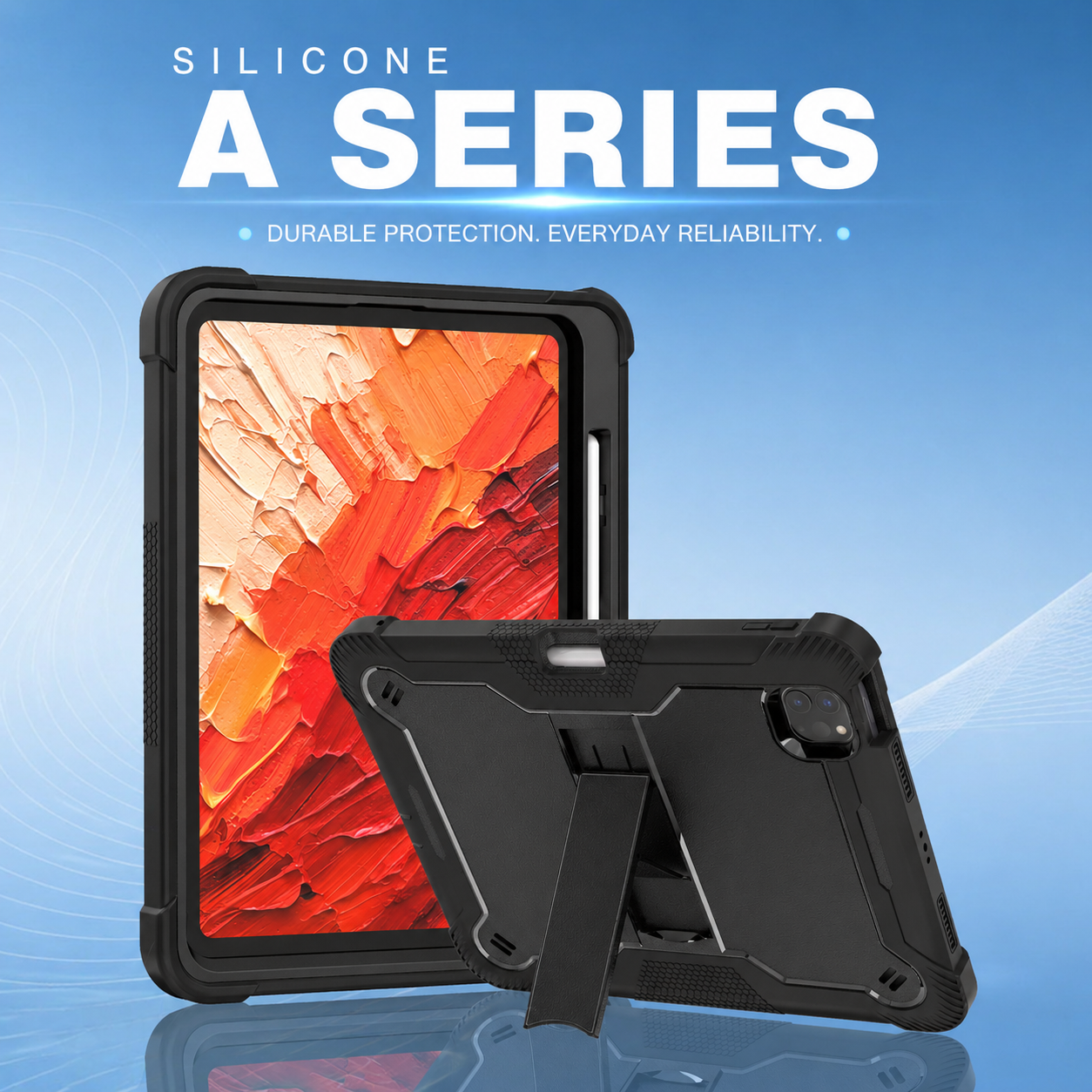
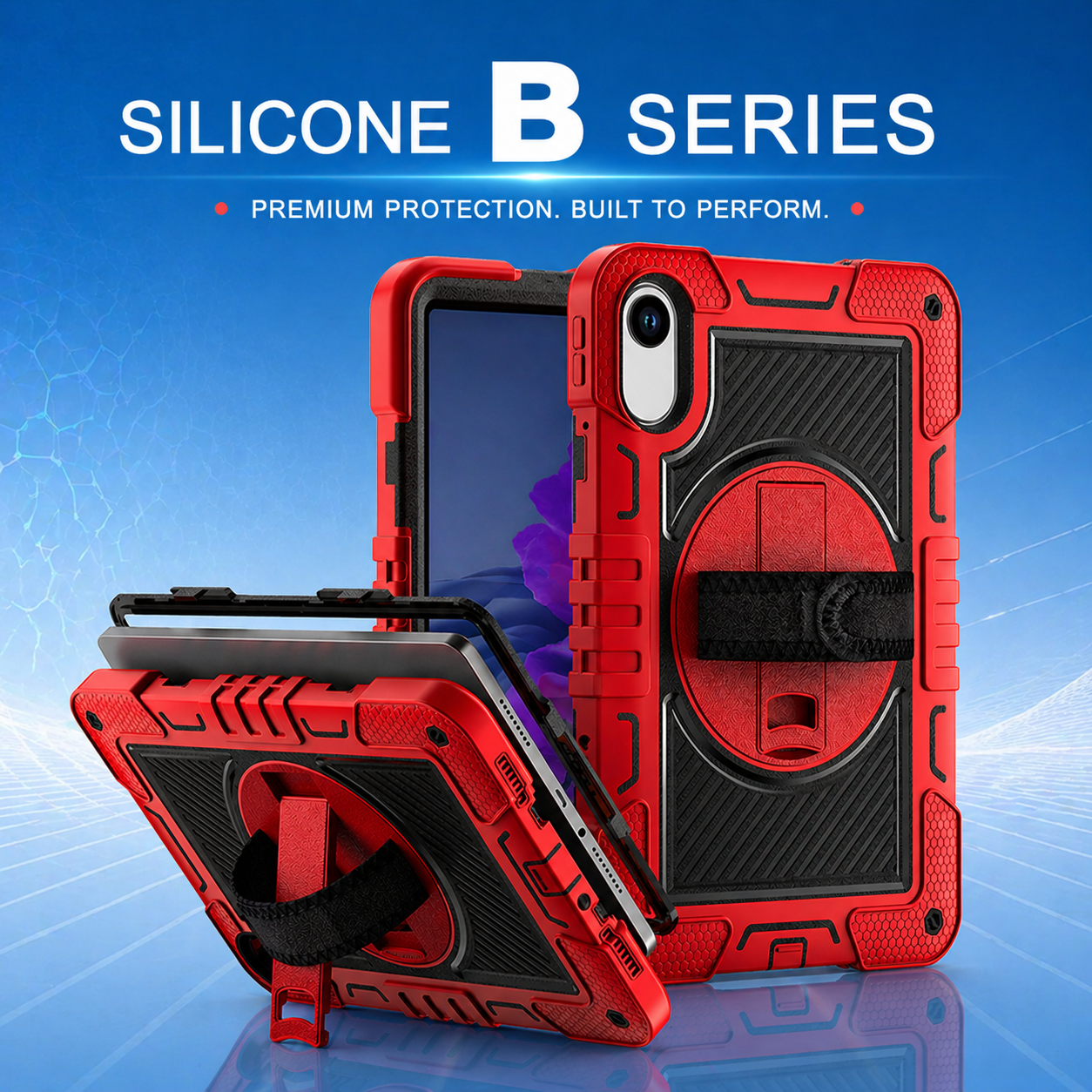
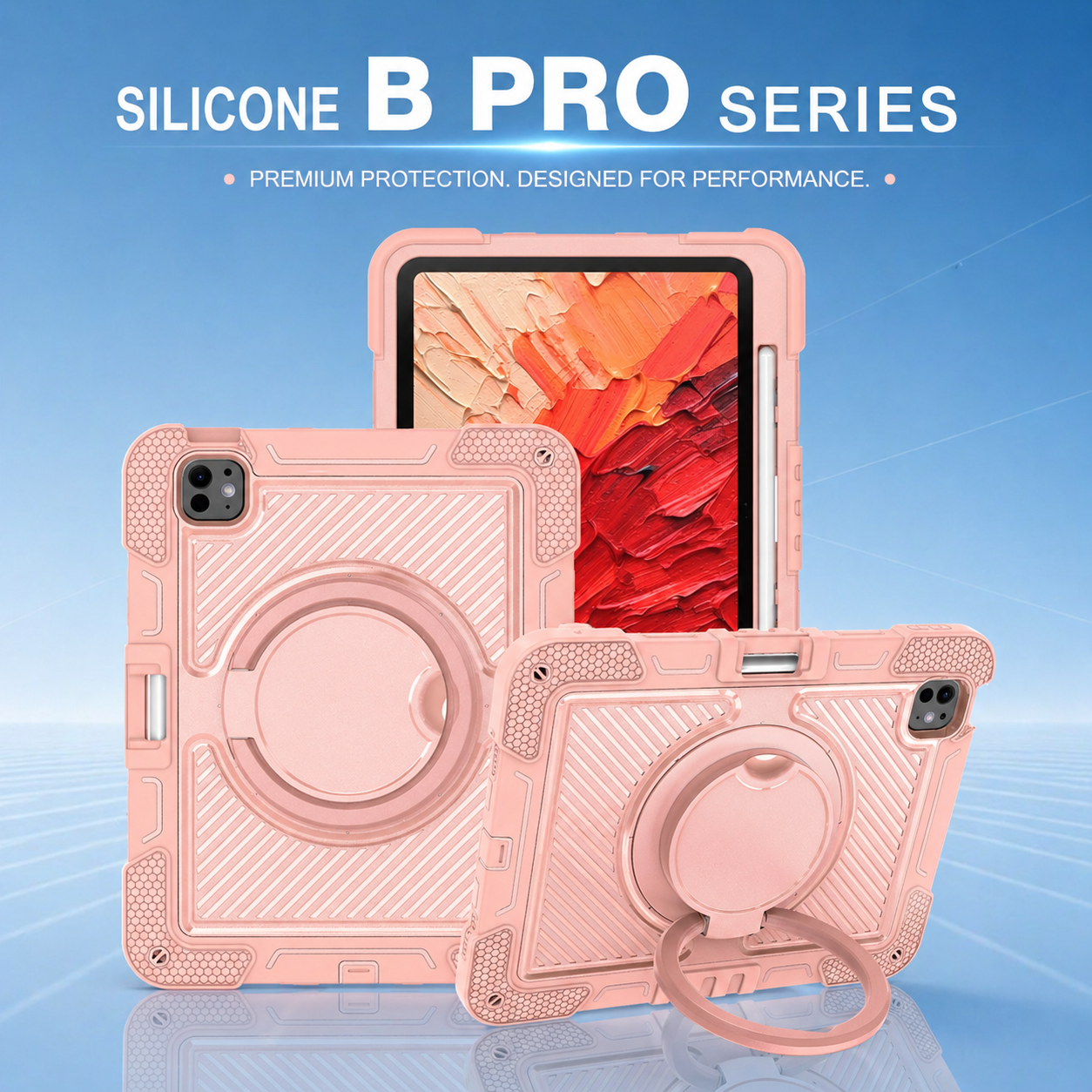

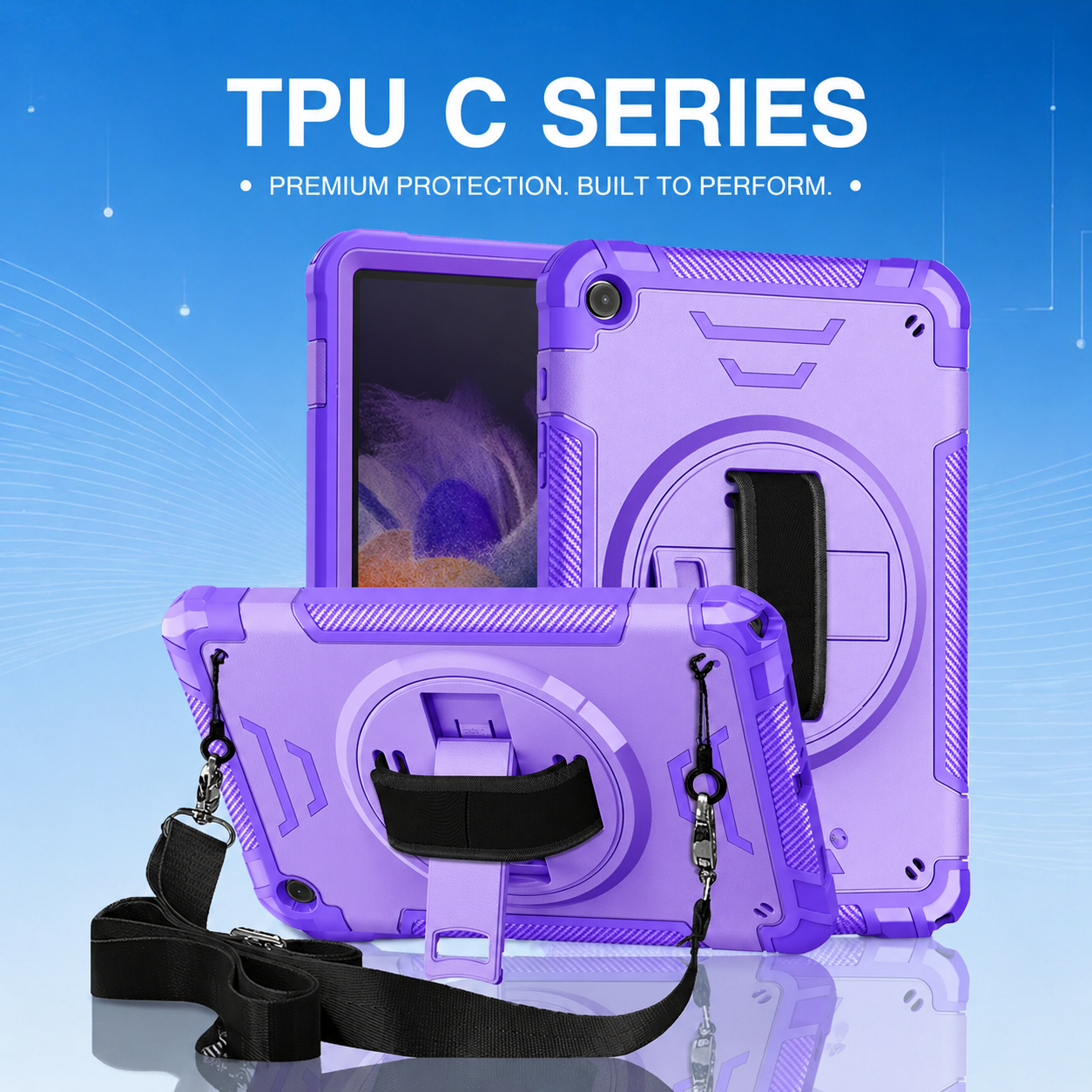
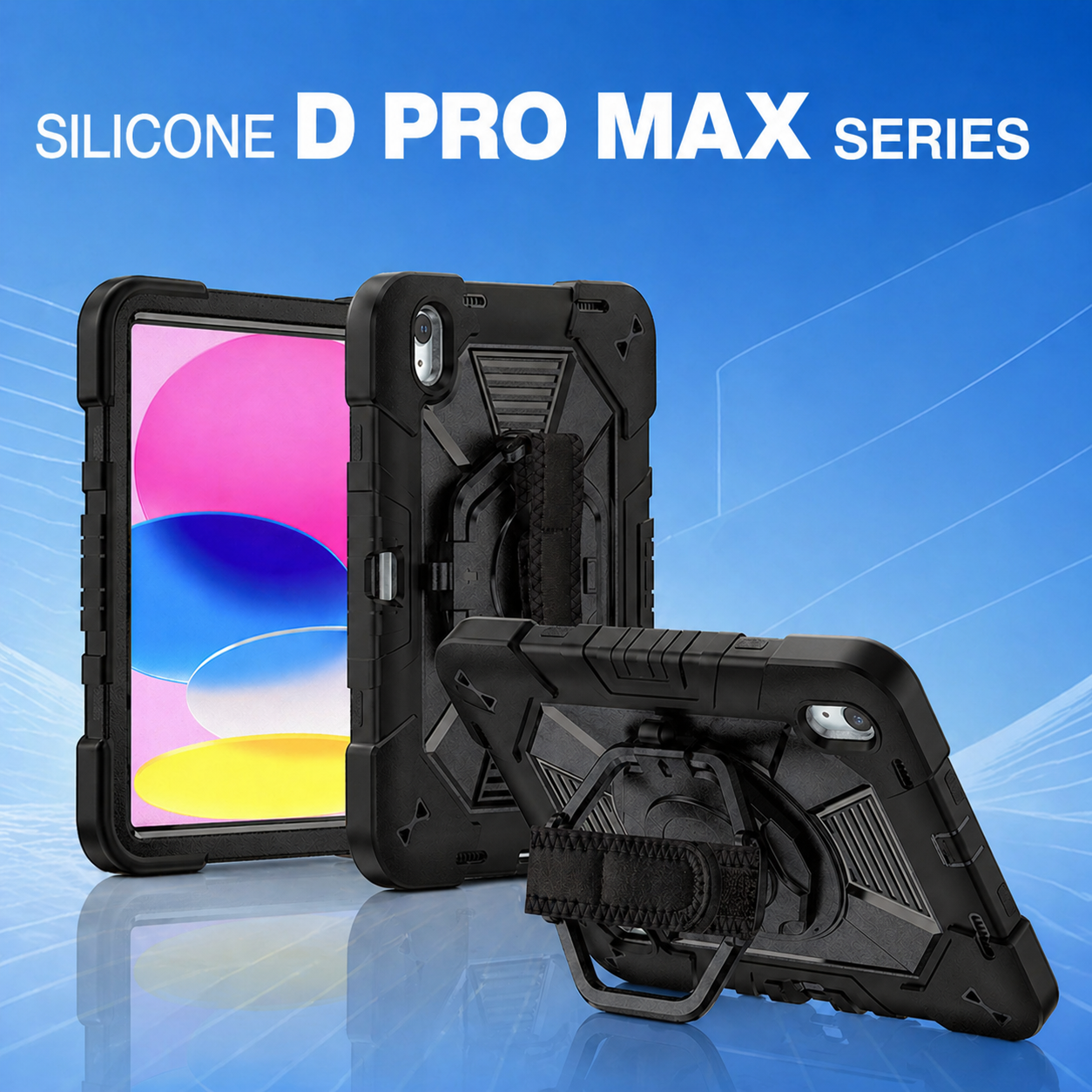
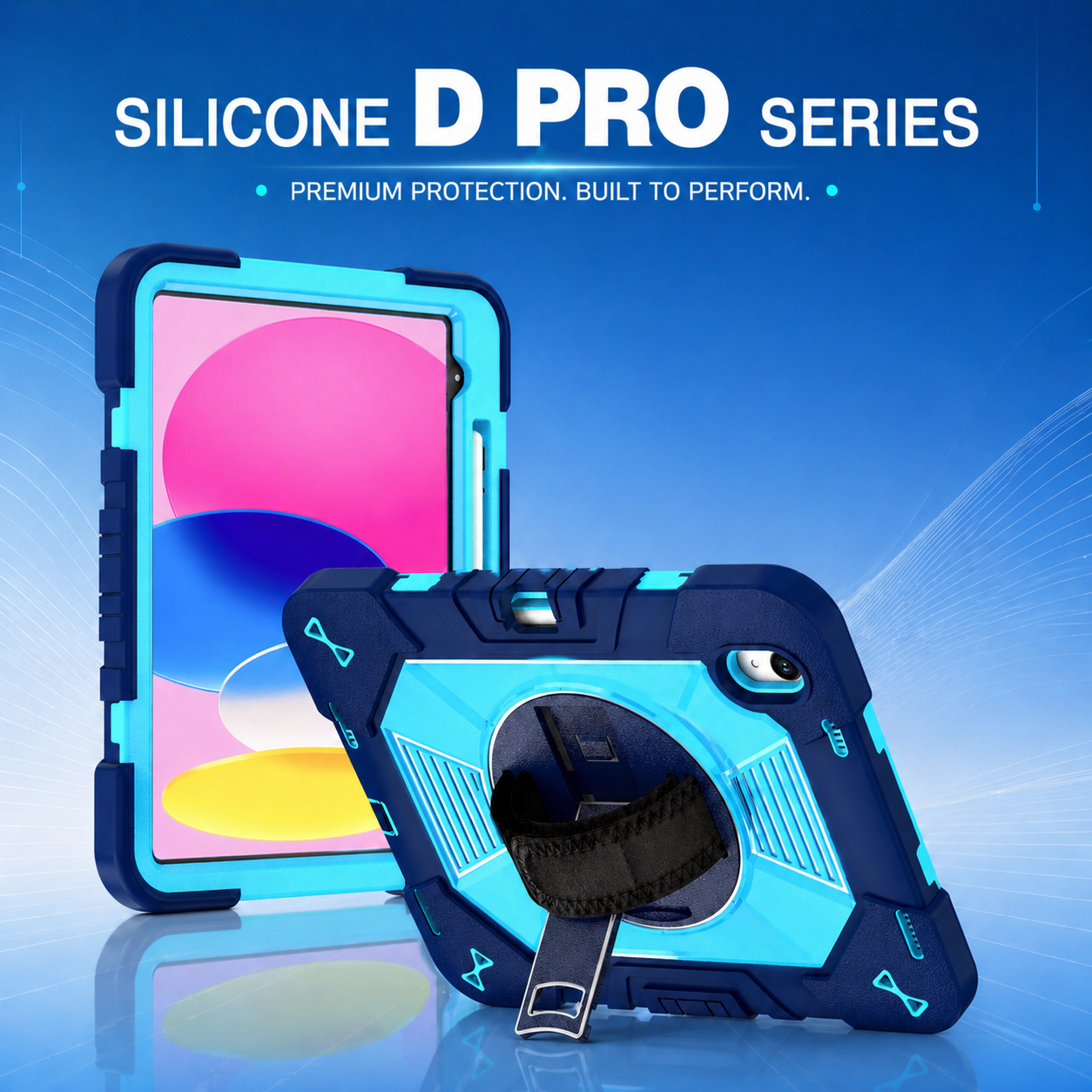
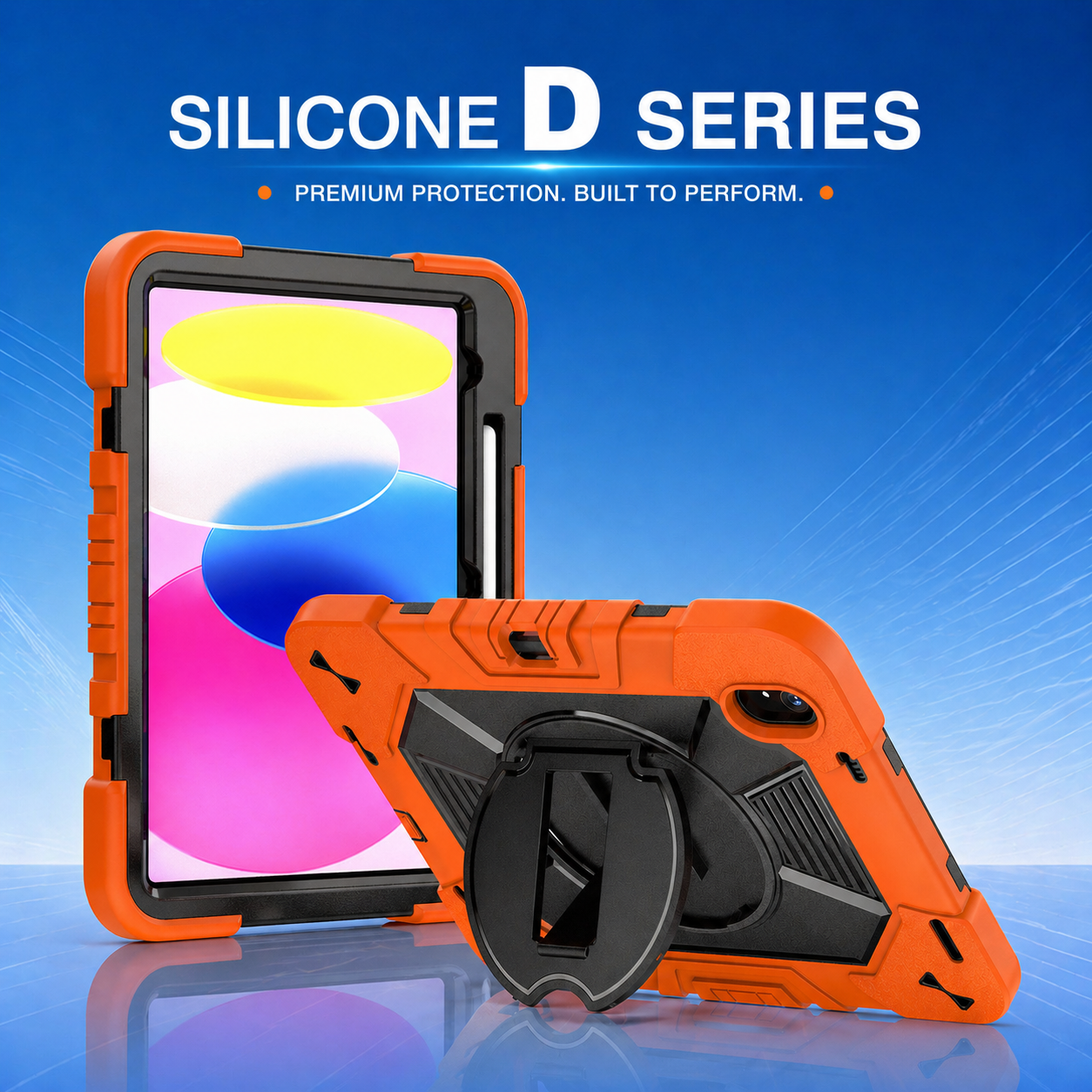

Three-Layer Heavy-Duty Tablet Protection for Education, Healthcare, and Field Teams
Three-layer protective designs are popular in institutional tablet programs because they separate different jobs across different components. A rigid inner frame controls device fit, a flexible impact layer absorbs energy, and an outer structural component supports stands, straps, or reinforced corners. The concept sounds simple, but successful wholesale sourcing depends on how those layers interact. Buyers should judge the complete system by its fit, durability, usability, cleaning performance, and ability to remain consistent across thousands of units.
1. Define the job of every layer
The inner frame should hold the tablet securely without creating pressure points around the screen, buttons, or camera. Its geometry determines port alignment and helps prevent the device from moving inside the enclosure. The flexible middle or outer layer should cushion corners and edges, where impact energy is often concentrated. A harder backplate or support frame can stabilize the assembly and provide a base for a kickstand or rotating hand strap.
Fit layer: Controls dimensions, button travel, port openings, camera clearance, and screen-lip position.
Impact layer: Uses flexible material, air channels, ribs, or reinforced corners to manage shock.
Functional layer: Supports stands, straps, mounting points, stylus storage, labels, or branding.
A 3 layers heavy duty rugged tablet case should not rely on extra thickness alone. Poorly designed interfaces can create gaps, rattling, weak clips, or difficult installation. Ask the supplier to explain how each layer contributes to a specific requirement.
2. Adapt the design to the user group
Education deployments need protection, but they also need simple handling and classroom practicality. A kids education tablet case may benefit from rounded edges, bright color options, an easy-carry handle, stable viewing angles, and materials that can be wiped frequently. Small hands require a different grip strategy than adult warehouse users, and oversized straps or stiff buttons can reduce usability.
Healthcare teams may prioritize smooth cleanable surfaces, limited dirt traps, glove-friendly controls, and a stand that supports data entry at a workstation. Field-service and logistics users often need stronger anchor points, a rotating hand strap, shoulder carrying, and reliable operation in portrait and landscape orientations. The same tablet model may therefore require different accessory packages for different departments.
Shared devices: Emphasize cleaning, quick inspection, asset labels, and easy installation.
Mobile workers: Emphasize grip, carrying, one-handed use, and drop protection.
Desk-and-field use: Emphasize stand stability, viewing angles, charging access, and accessory compatibility.
3. Test the weak points, not only the shell
Case failures often begin in accessories and interfaces rather than the main body. Kickstand hinges can loosen, clips can crack, hand straps can pull out, and shoulder-strap anchors can deform after repeated use. A complete validation plan should test these functions over realistic cycles and loads.
Drop testing should include corners, edges, face, and back, using a defined height, surface, device condition, and number of impacts. Inspect the tablet after every sequence. Add installation-removal cycles, stand opening cycles, strap pulls, abrasion, button operation, port access, stylus retention, and chemical-wipe exposure. Packaging tests are also important because rigid multi-part products can scratch or deform each other during transportation.
Mechanical durability: Drop, twist, hinge cycle, clip cycle, and strap load.
Environmental durability: Heat, cold, humidity, sunlight, dust, and cleaning agents as applicable.
Operational usability: Charging, audio, camera, scanning, typing, mounting, and carrying.
4. Control assembly and replacement strategy
Multiple layers create more assembly steps, so the supplier should use clear work instructions and in-process checks. Buyers should define the correct sequence, acceptable gaps, clip engagement, stand resistance, and accessory orientation. A golden sample should remain available on the line, and inspection records should identify the production lot.
Consider which parts can be replaced in service. A detachable hand strap, stand, or shoulder strap may reduce lifecycle cost when the main enclosure remains usable. However, replaceable components need controlled part numbers, compatibility rules, and availability commitments. For long deployments, include spare-component quantities and reorder lead times in the commercial agreement.
5. Balance protection with deployment economics
More components increase material, labor, inspection, packaging, and freight costs. They may also create higher value by reducing device breakage and supporting faster work. Compare the total program cost: enclosure price, damaged-device rate, installation labor, replacement accessories, user downtime, freight, and end-of-life handling.
In #EducationTechnology programs, color coding can help assign devices by grade, class, or department. In healthcare or enterprise programs, custom labels, serial-number windows, and private packaging may improve asset control. Ask the supplier to quote each feature separately so that the buyer can distinguish essential protection from optional customization.
Wholesale sourcing checklist
Before approval, confirm the bill of materials, material grades, critical dimensions, test methods, color standards, logo position, packaging, inspection level, spare parts, production lead time, and change-control process. Run a pilot batch large enough to expose assembly and packaging issues, not just a few hand-built samples. Review user feedback before releasing full volume.
Once the protection system is validated, the next challenge is commercial execution. Use a clear private-label rollout plan from sample to shipment to coordinate branding, approvals, production, inspection, and launch timing. A well-engineered three-layer design succeeds when its protective performance is matched by disciplined manufacturing and a deployment plan built around real users.






.png)
+86 13422271740
.png)
info@tongmeitech.com
.png)
No. 34, Mashe Section, Guihe Road, Lishui Town, Foshan, Guangdong, China